Touchscreen
Control your PC at your fingertips.
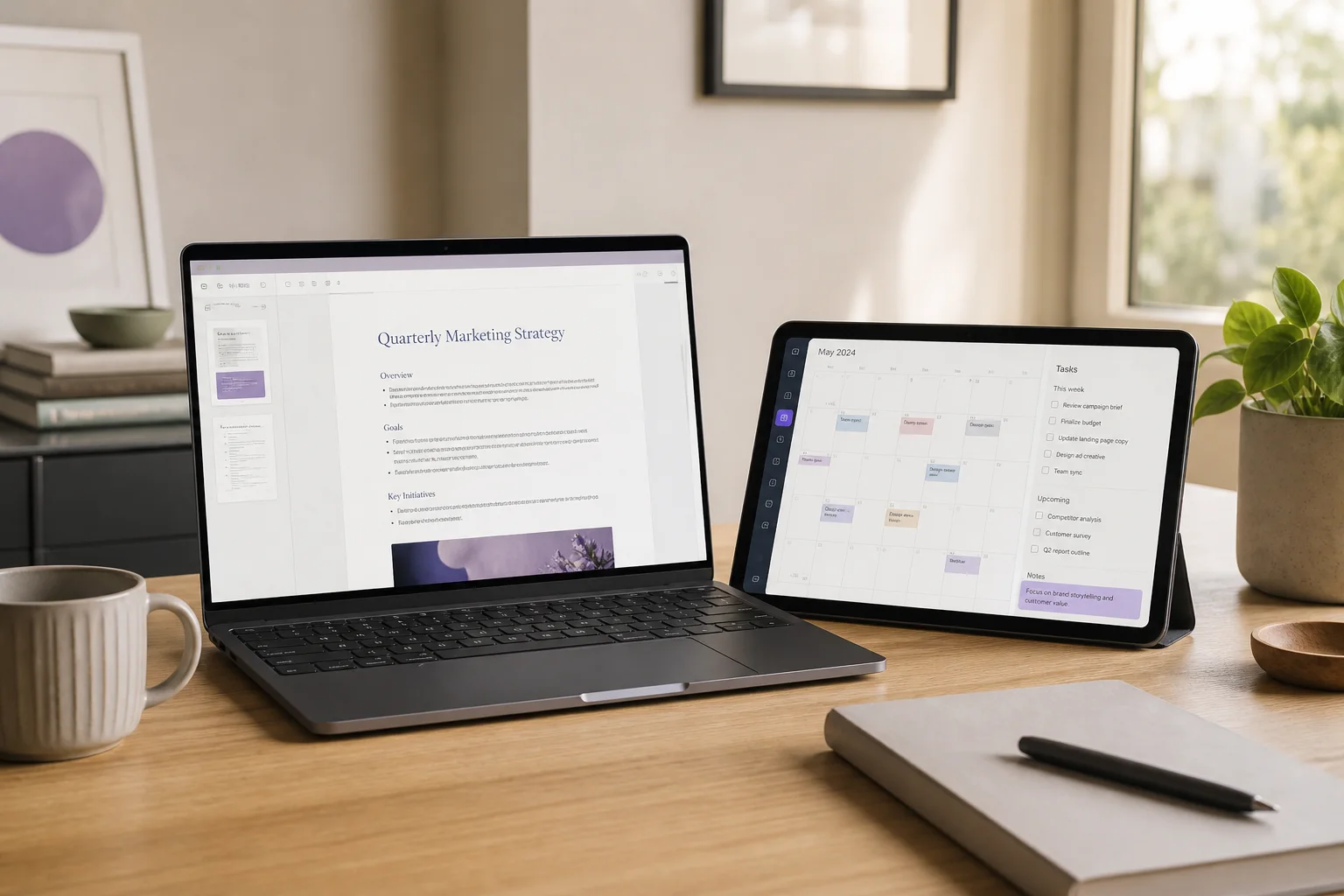
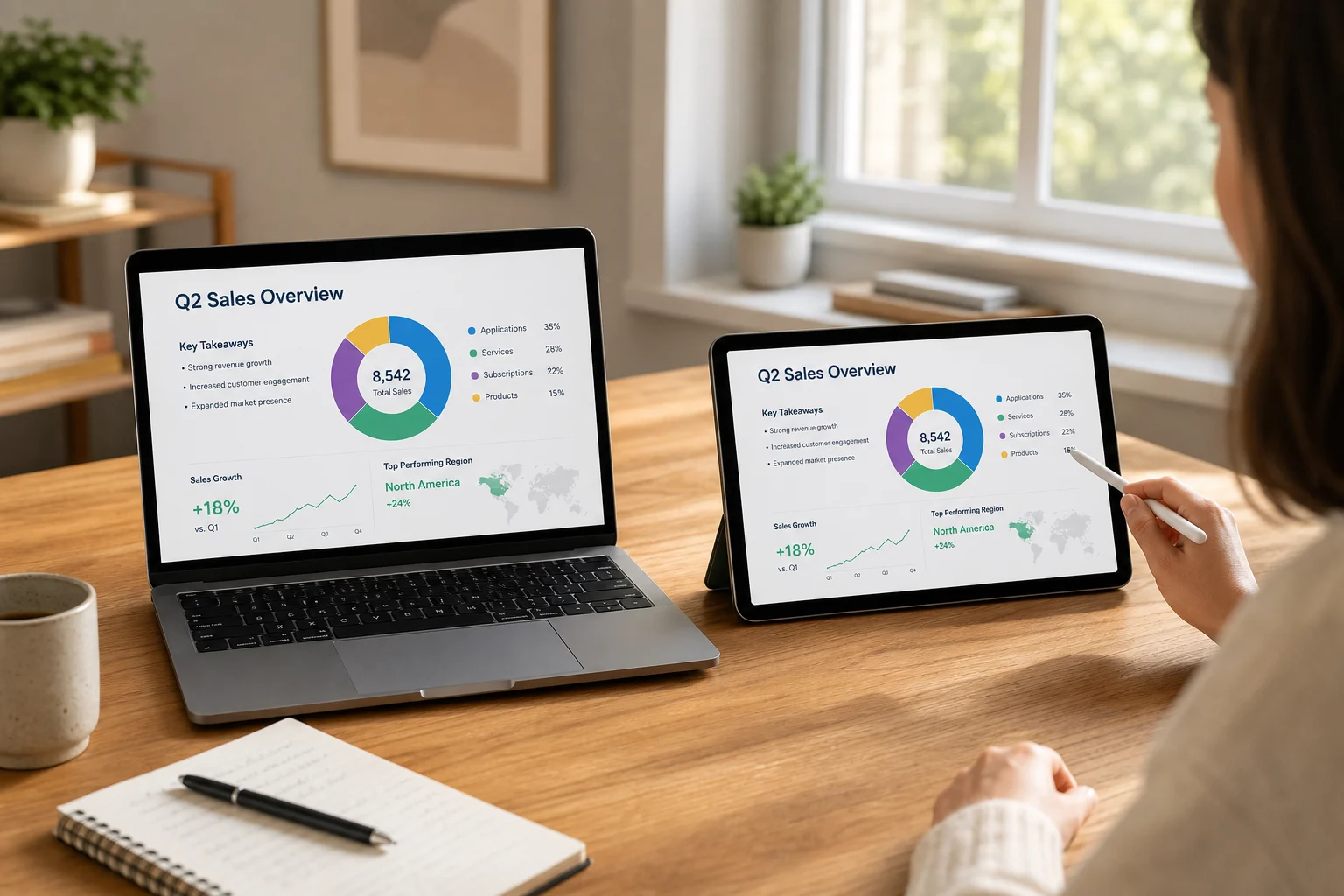
Interact with the PC screen shown on your tablet. Pinch into maps and documents, tap, drag, scroll, or move the pointer in trackpad mode.
Start on my devices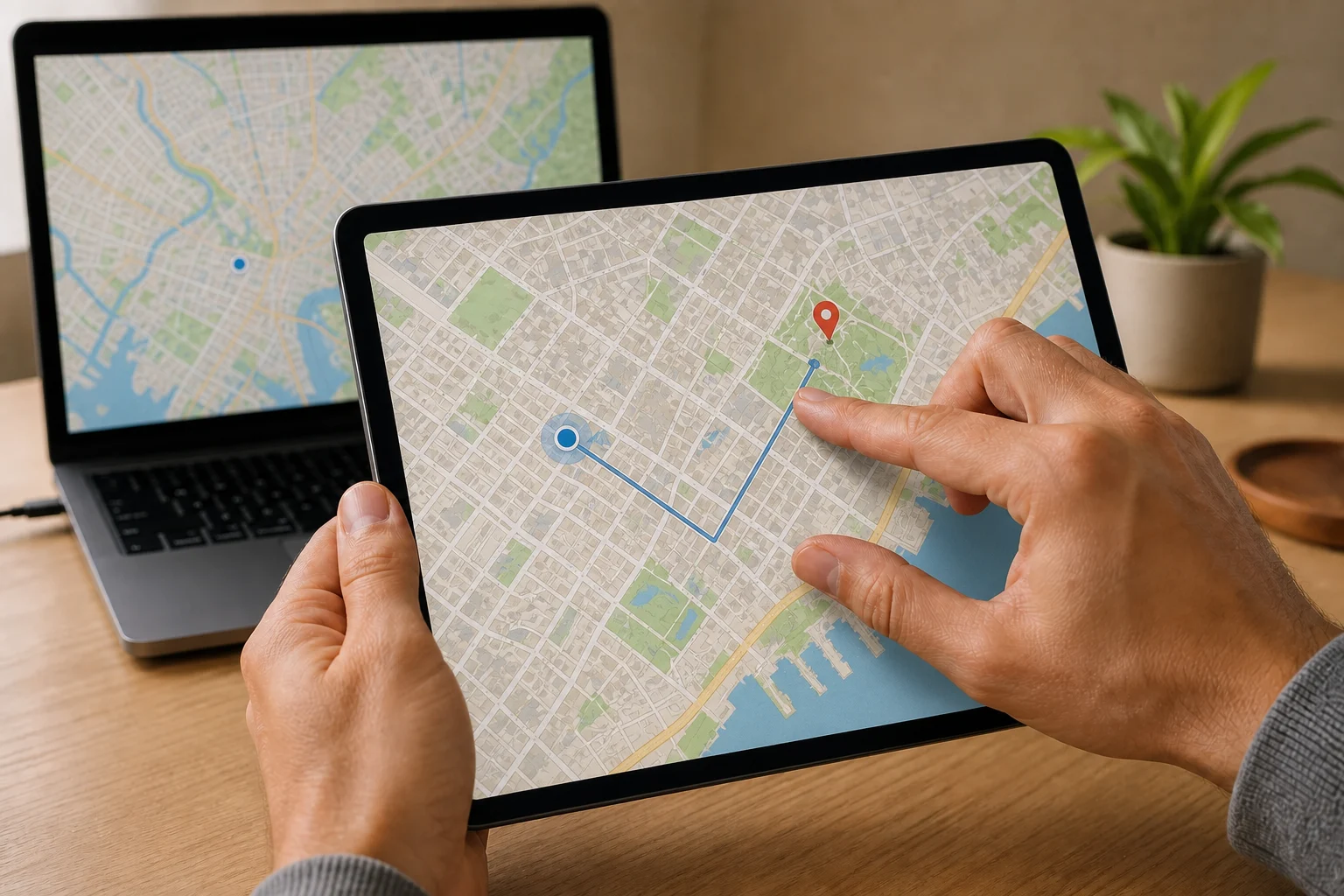 Any Display · Touchscreen
Touchscreen
Clear about what it does.
See the result first, without translating settings or technical terms.
Two-finger pinch to zoom
Direct touch and trackpad modes
User guides
Touchscreen
Interact with the PC screen shown on your tablet. Pinch into maps and documents, tap, drag, scroll, or move the pointer in trackpad mode.
- 01
Sign in to the same account
On the computer and mobile device, open Settings → Sign in. Use Google, Apple, Microsoft or email; on first launch, continue directly from the sign-in screen. Use the same provider and account on both devices, then verify the account name and access. Another account may not appear in device discovery. Complete the trial/license prompt on an unlicensed computer before connecting.
- 02
Launch both apps and grant permissions
Install and open Any Display on the computer and tablet. On Mac, Screen Recording permits screen transmission and Accessibility permits touch, keyboard and mouse input. Restart Any Display when the permission prompt requires it. On Windows, complete the virtual display driver setup offered by the installer.
- 03
Choose Extend or Mirror on the tablet
Open Extend & mirror on the tablet. Choose Extend for a separate workspace or Mirror for an existing computer screen. Choose the mode before connecting. My computers lists computers signed in to the same account.
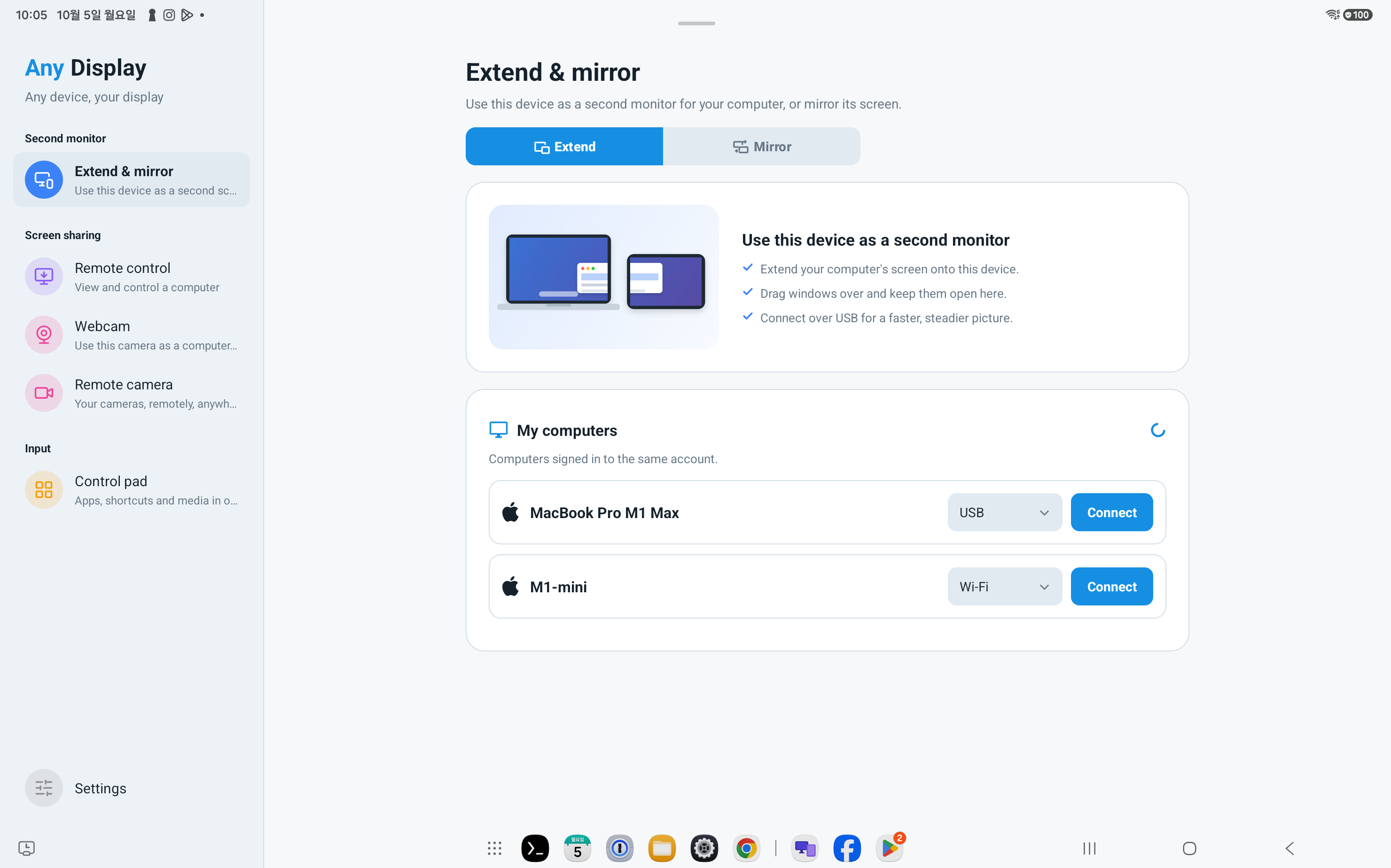
Choose Extend or Mirror on the tablet · Android tablet · English - 04
Choose the computer and connect
Check the computer name under My computers. A data cable offers USB; a shared network offers Wi-Fi. Press Connect beside the connection method. On the computer, check the device name and Connected status in Extend & mirror. If Android is missing, open Set up Android USB and follow the debugging and device authorization prompts. A charge-only cable cannot carry the connection.
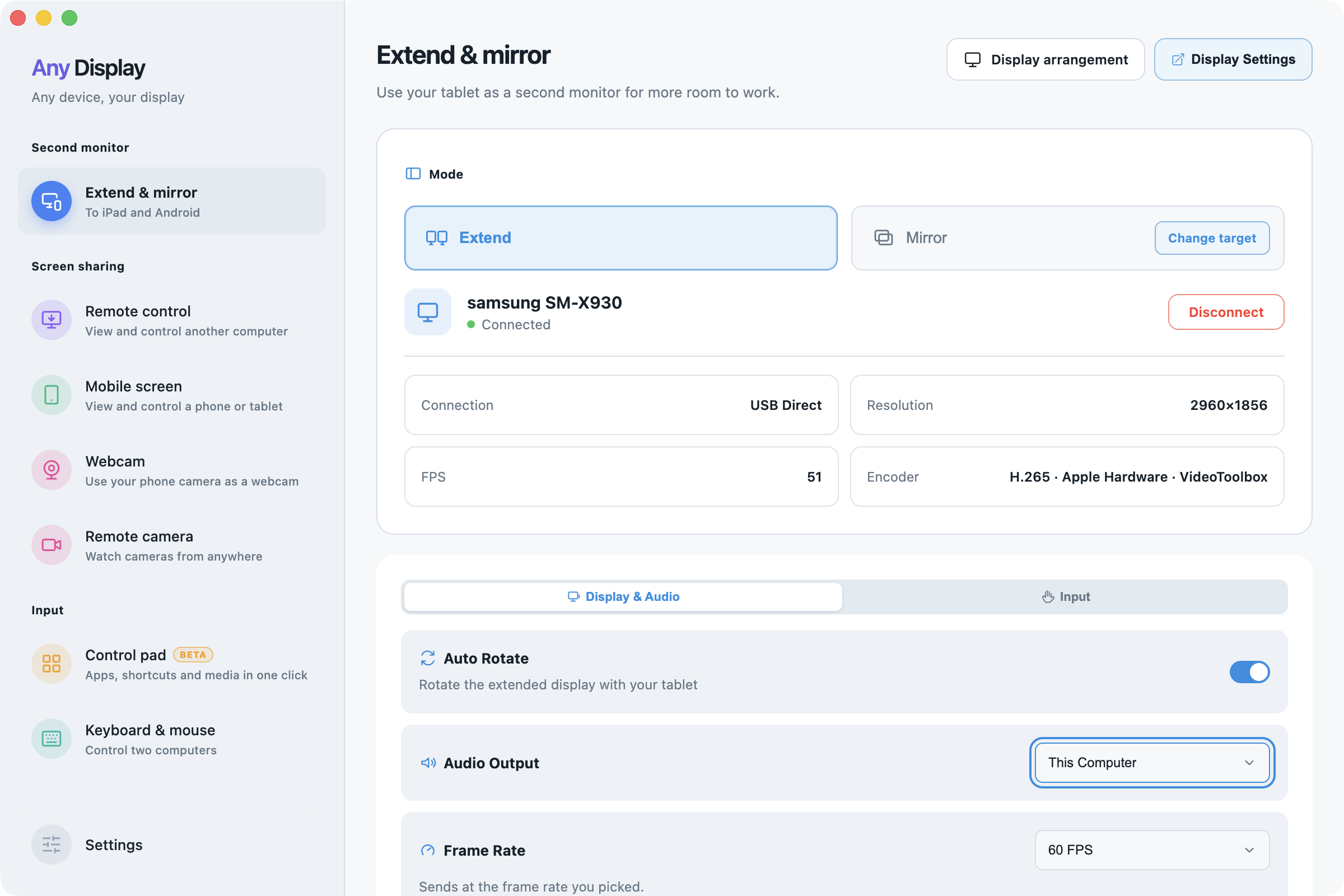
Choose the computer and connect · macOS · English - 05
Use touch or trackpad gestures
Open Input → Touch Screen and choose Touch Gestures or Trackpad. Touch Gestures acts at the touched position: tap clicks, double-tap double-clicks, one-finger drag scrolls, double-tap and drag moves/selects, and a two-finger pinch zooms. Trackpad moves the pointer with your fingers. Open How to use for the selected mode. Natural scrolling sets scroll direction; Sensitivity adjusts response.
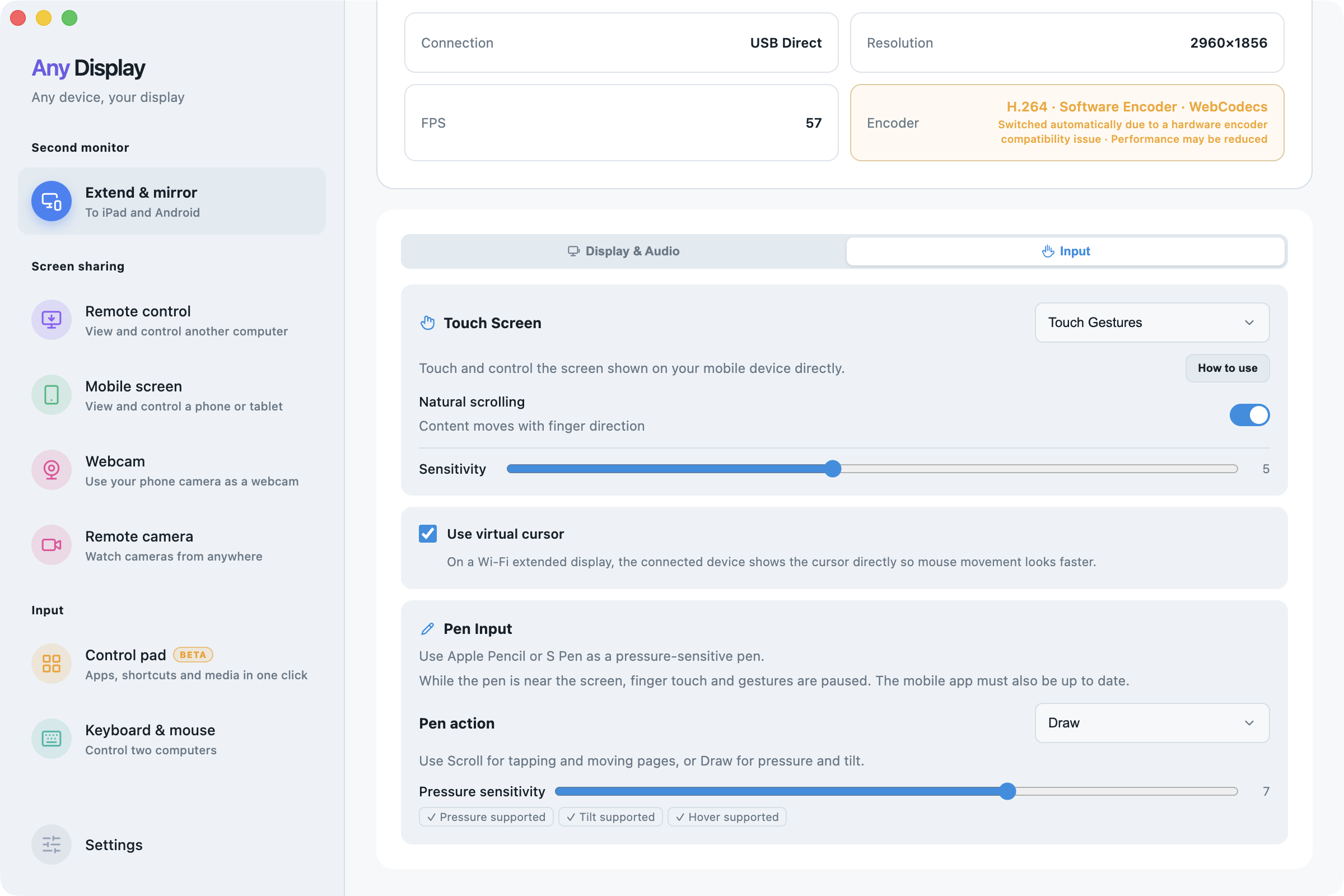
Use touch or trackpad gestures · macOS · English 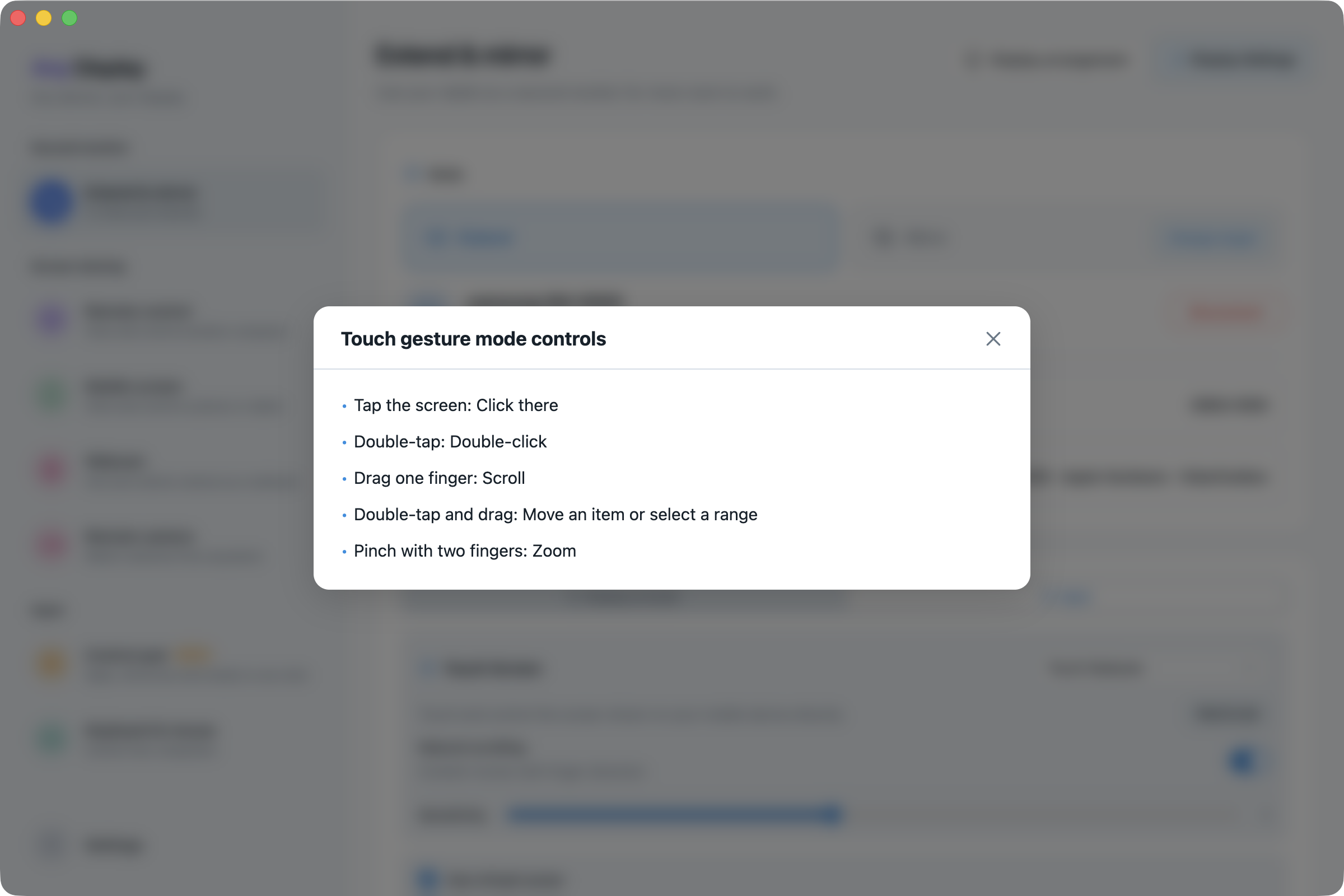
Use touch or trackpad gestures · macOS · English - 06
Disconnect and troubleshoot
Use Disconnect on the computer or Back on the tablet. For a missing device, check the account, both apps, network, data cable and authorization. For a black picture, check Screen Recording and the Mirror source; for missing input, check Accessibility. Resolution, FPS and Encoder readings describe the current session, not a guaranteed performance level for every device.
Explore more features.
Control your PC at your fingertips.
Free download