Control Pad
Run frequent actions from your tablet.
Control Pad, new in Any Display 1.6.0, turns your connected tablet into a quick-action pad. Keep media, microphone, audio, and web shortcuts on one screen, then organize them for your work in the desktop app.
Start on my devices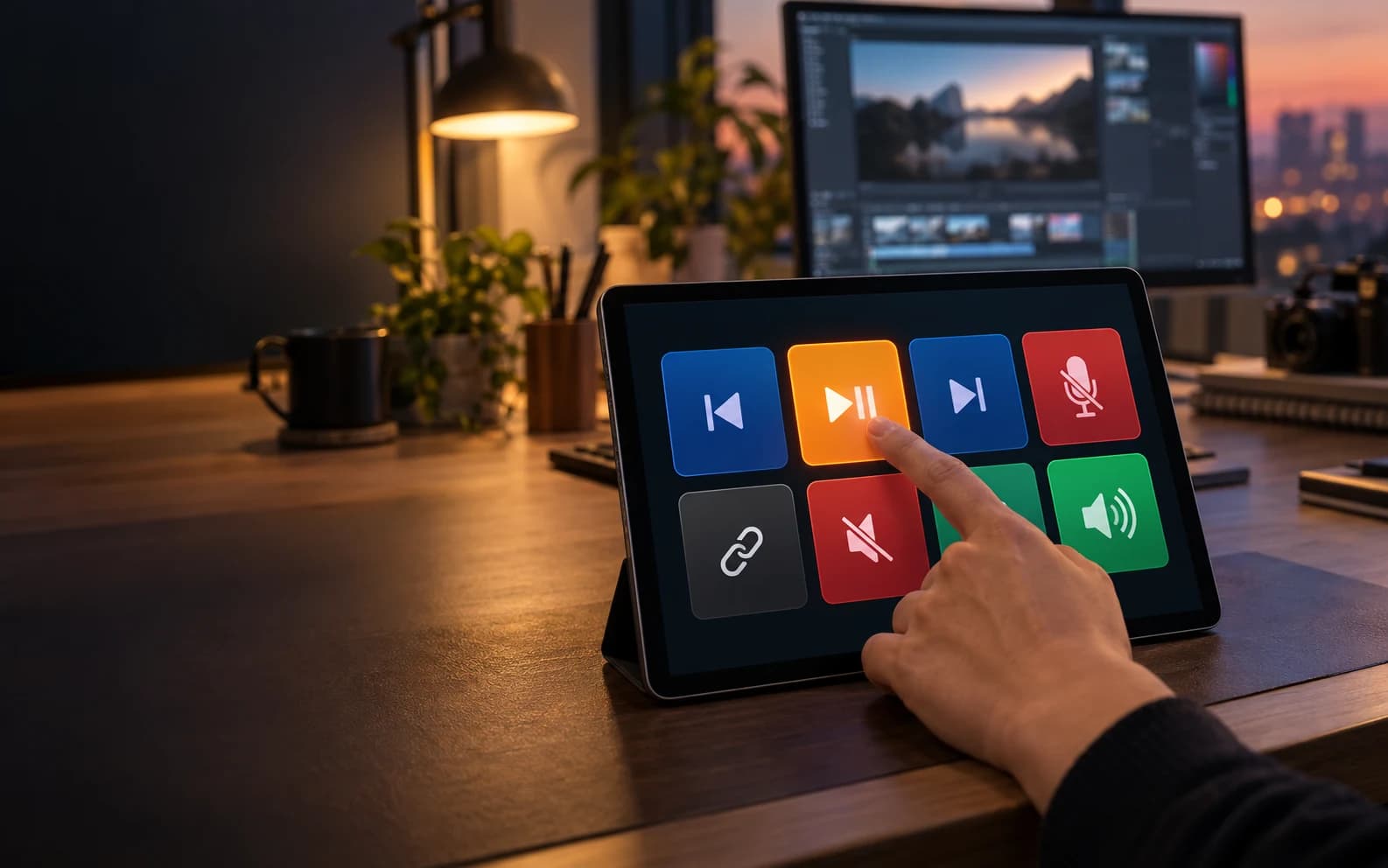 Any Display · Control Pad
Control Pad
Clear about what it does.
See the result first, without translating settings or technical terms.
Web shortcuts and hotkeys on one screen
Profiles and pages for different work
Any Display
From your PC to your mobile device, in one path.
01Mac or Windows
Wi-Fi · USB
02iPad · Android
Start in three steps.
Install Any Display on the computer and mobile device.
Connect both devices over the same Wi-Fi or USB.
Choose the feature you want in the desktop app.
User guides
Build your Control Pad buttons on MacExplore more features.
Run frequent actions from your tablet.
Free download