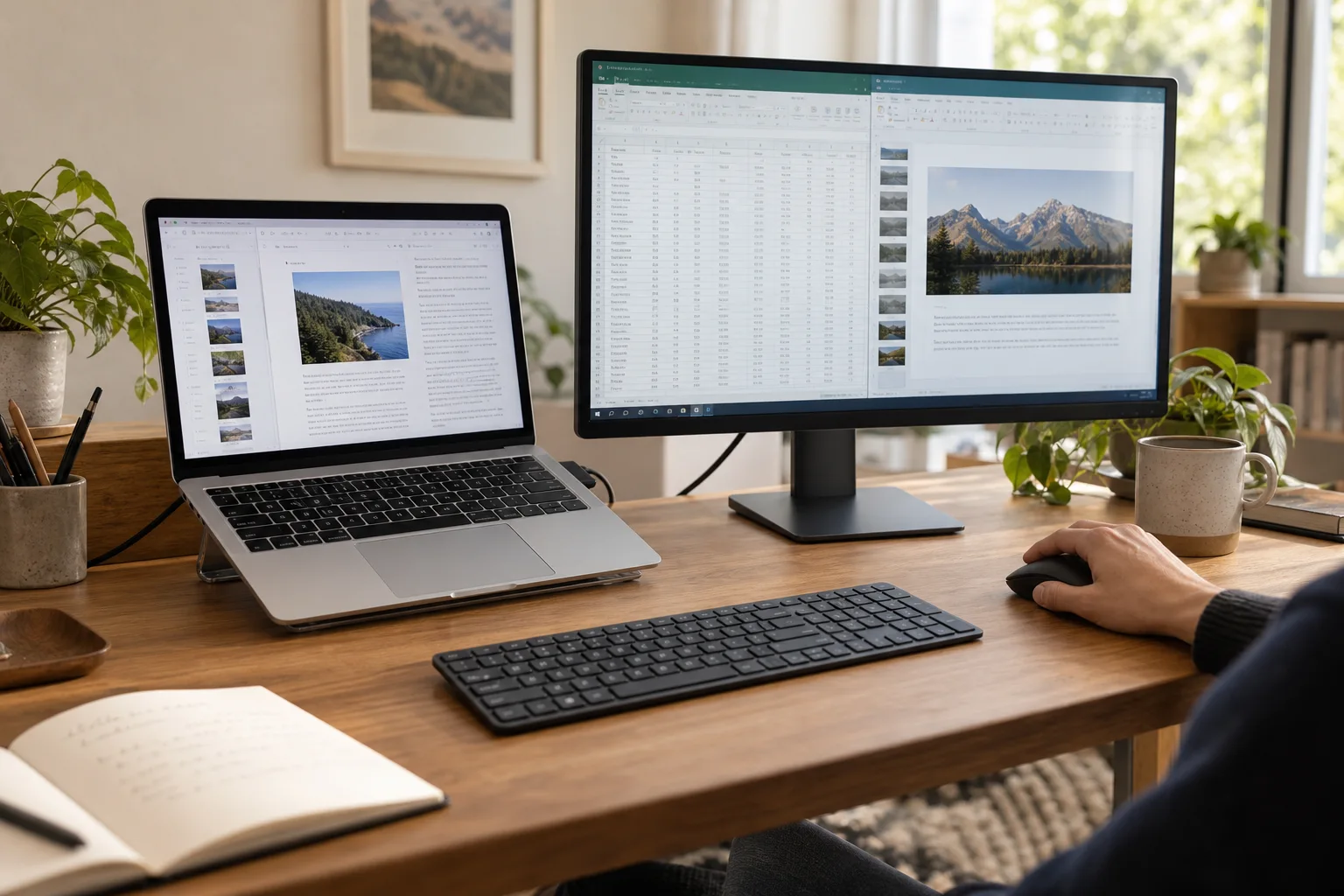
Connect computers
Two computers.
One workspace.
Extend or mirror between Mac and Windows. Move between computers using one keyboard and mouse.
- Extend or mirror between computers
- Keyboard and mouse sharing
- Works with Mac and Windows
Any Display
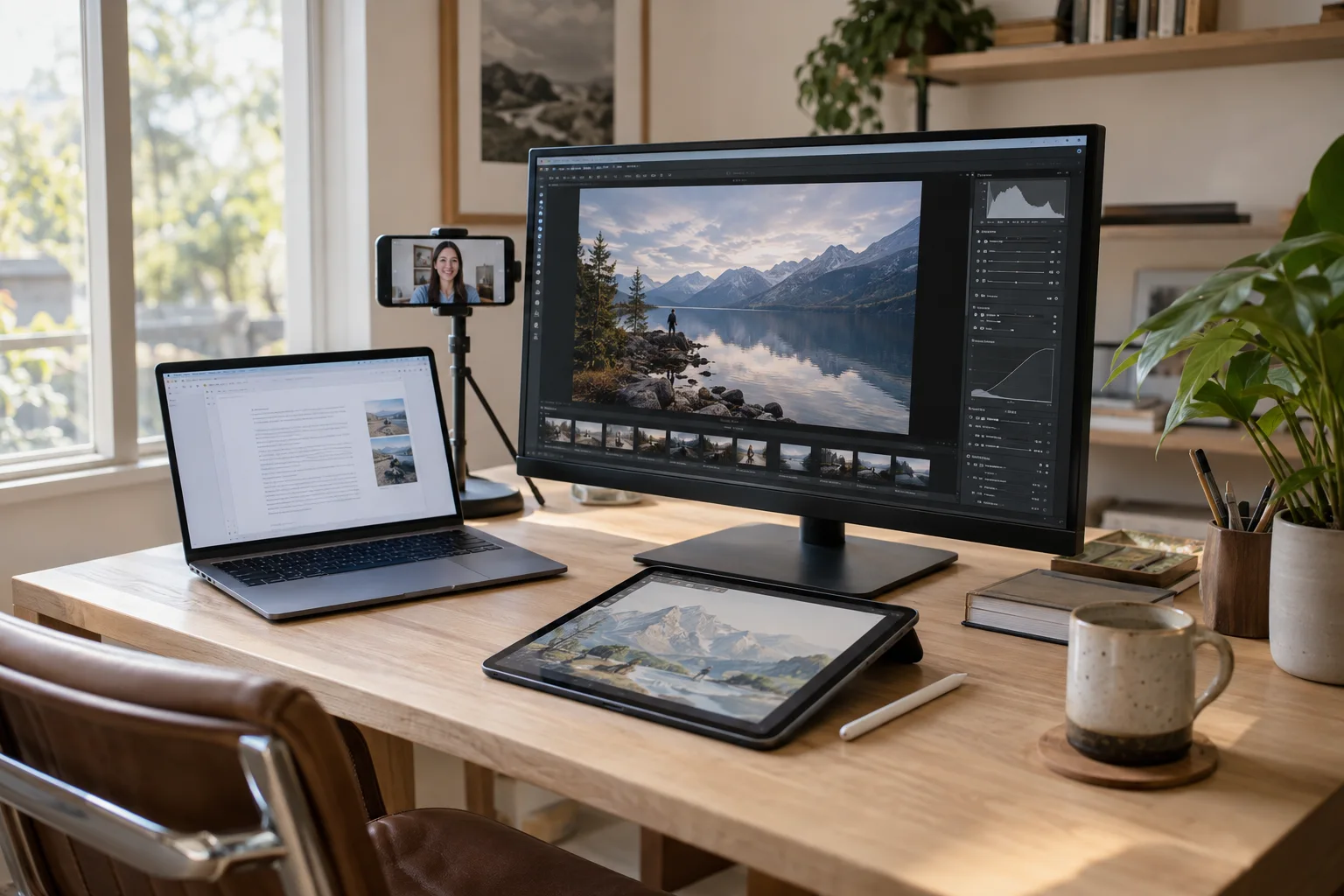
Second displays, remote control from your phone, a shared keyboard and mouse, a mobile webcam, and phone control.
Unlock more of the devices you own with Any Display.
Mac · Windows · iPad · iPhone · Android
Any Display
A second display, drawing tablet, webcam, Control Pad, connected computers, and phone control. Give your devices a new role whenever you need one. Keep an eye on home and office with remote camera.
Connect computers
Extend or mirror between Mac and Windows. Move between computers using one keyboard and mouse.
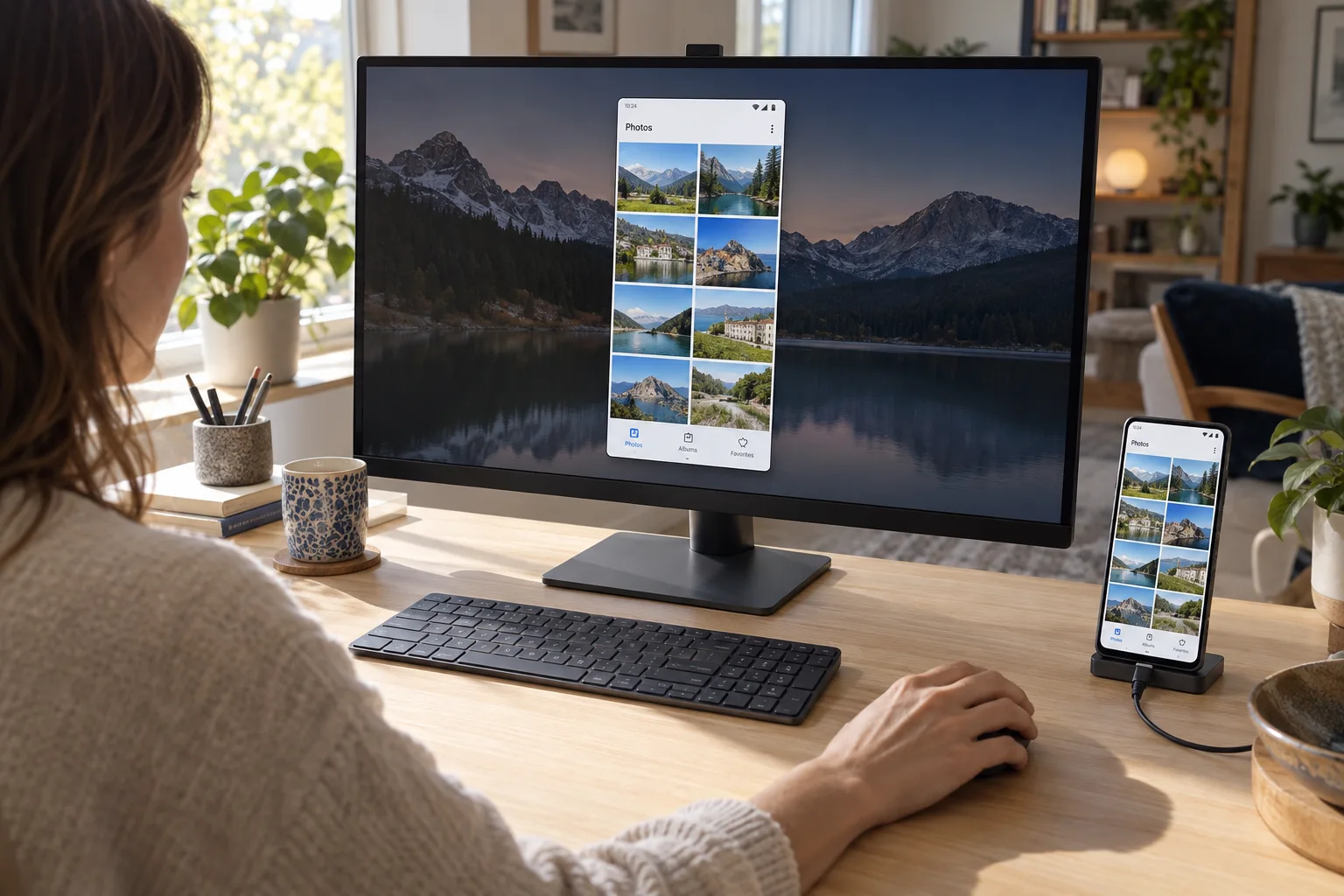
Phone mirroring & control
Bring your phone screen to your computer and use your mouse and keyboard. Connect Android over USB; iPhone control requires Bluetooth setup on Mac.
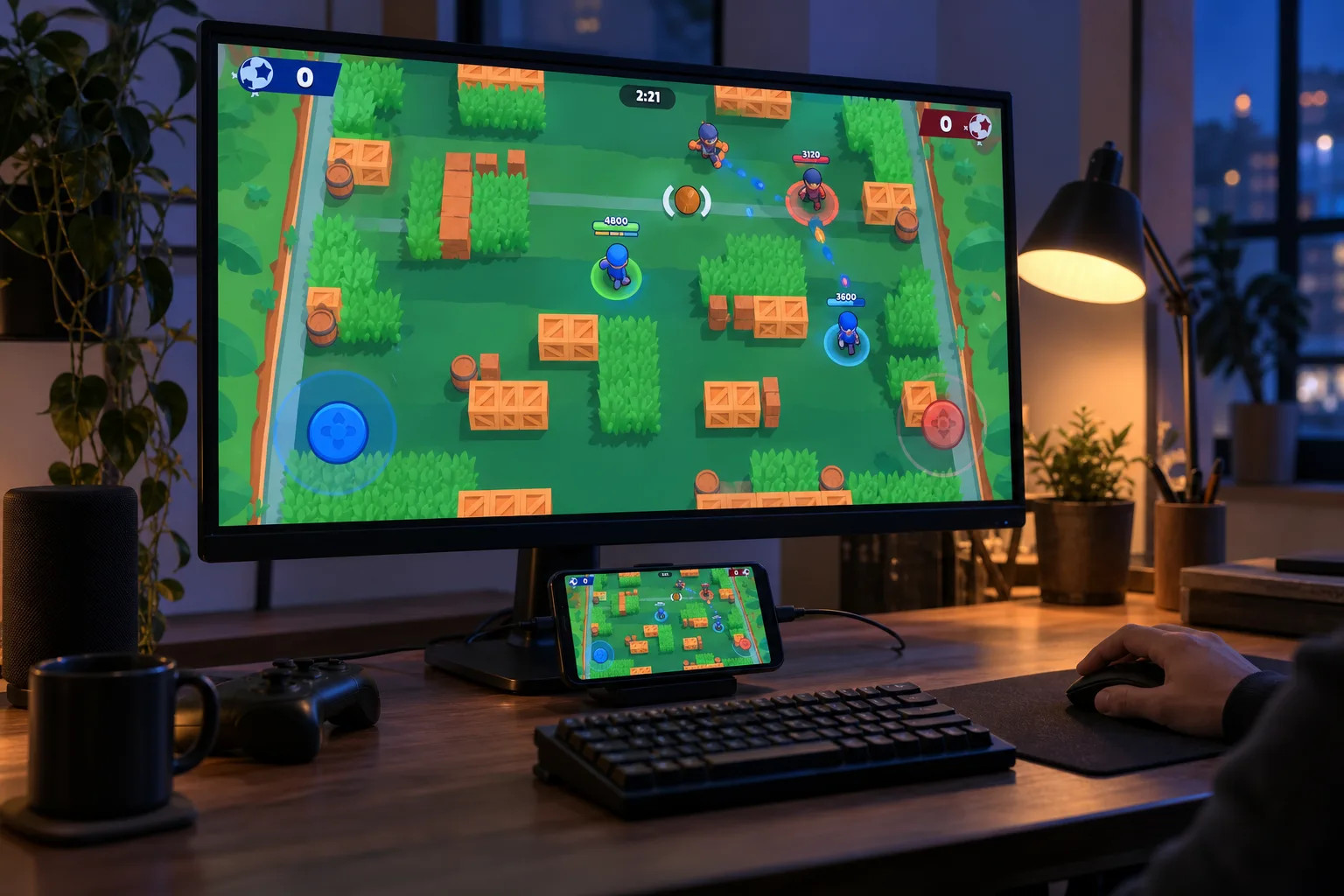
Mobile games on a bigger screen
Bring mobile games from your phone to your computer’s bigger screen.
Remote control
Use your Mac or Windows PC without sitting at the desk. Control it from an iPhone, iPad, or Android device, or from another computer, on the same Wi-Fi or from anywhere.
Act right where you touch, and pinch to zoom so even small text is easy to hit. Switch to mouse mode and the keyboard when you need precision.
Open the other computer's screen in a window and control it with your keyboard and mouse. Pick resolution and quality separately, and unlock a Windows lock screen remotely.
Connect instantly on the same Wi-Fi or over USB, and reach your computer on another network when both devices use the same account.
See every monitor connected to the computer. With dual or triple monitors, switch between them while you stay connected.
Create a dedicated remote screen sized for the device you are using. The computer's own monitors turn off, so people nearby can't see your screen.
When both devices support it, hardware HEVC delivers the same quality with less data. Otherwise it switches to H.264 automatically.
Even from outside, UDP hole punching connects your devices directly. Video never passes through our servers.
On the direct UDP path, remote video is encrypted packet by packet with AES-256-GCM and a new key per connection. The fallback path uses WebRTC encryption.
Video runs at up to 60 fps. Over remote connections, bitrate adapts to network delay and lost packets are resent.
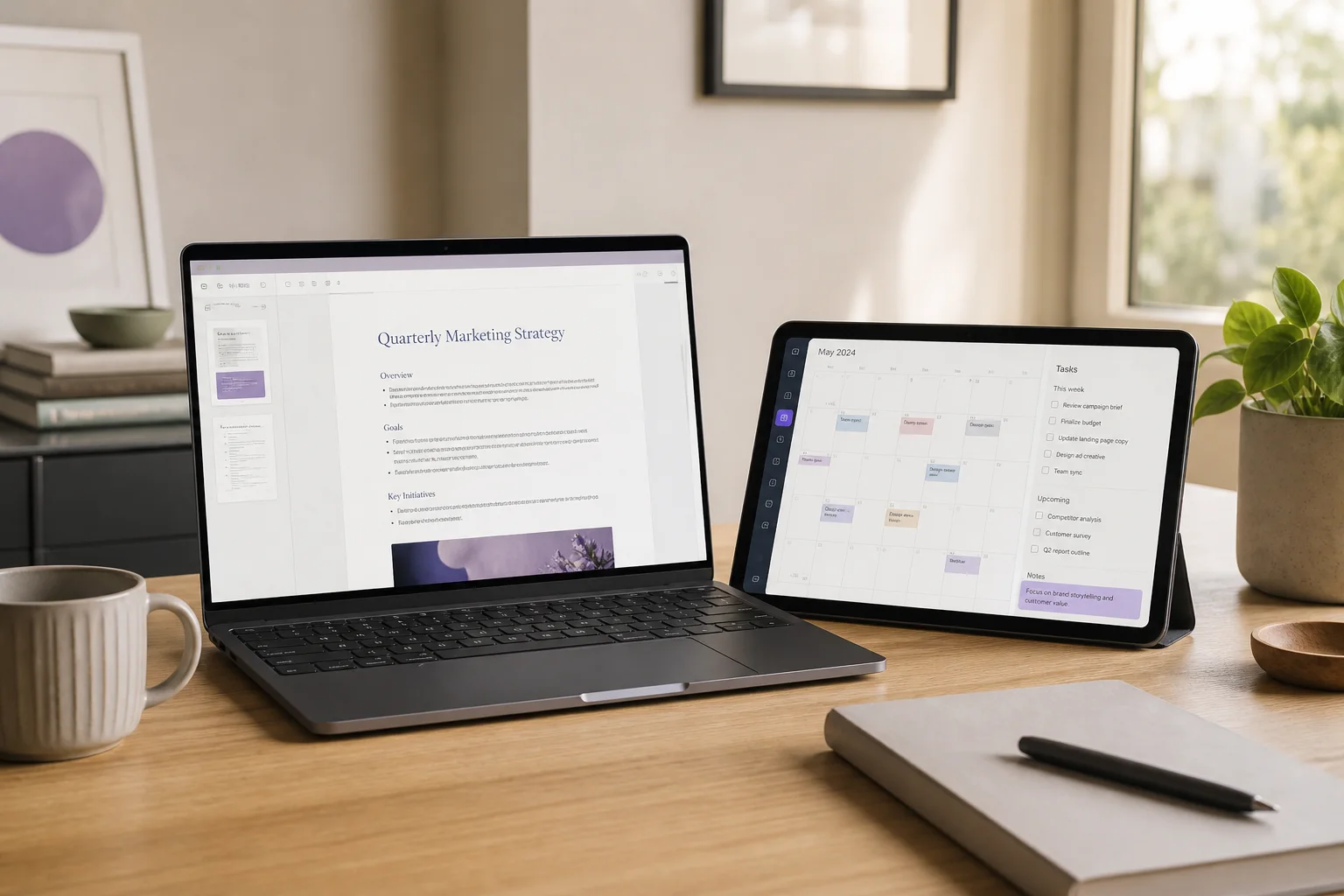
Extend
Server on macOS and Windows. Client on iOS and Android. Any combination works.
Learn more >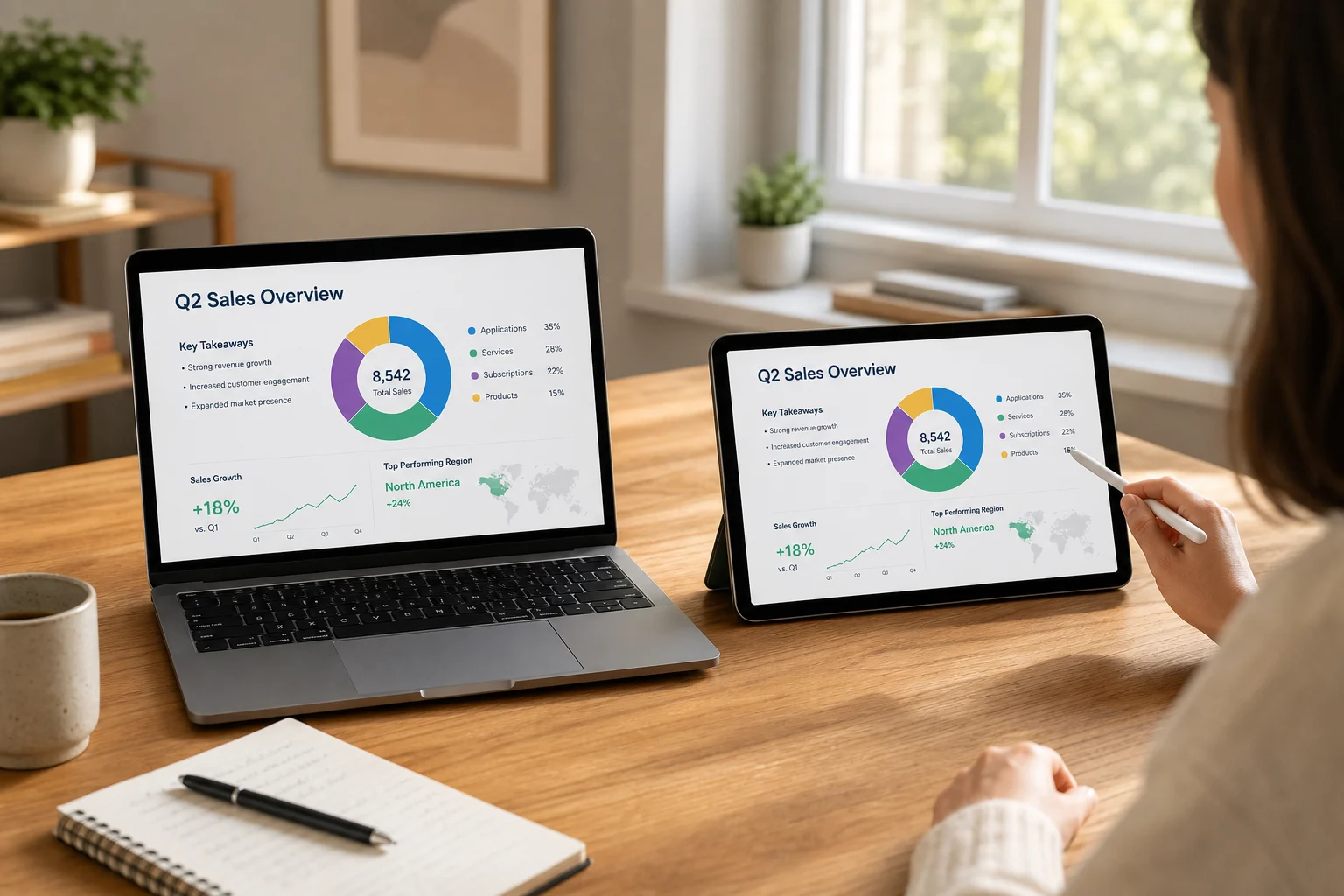
Screen mirroring
Show your Mac or Windows screen on your tablet. Mirror the entire display or choose a single app window to keep in view.
Learn more >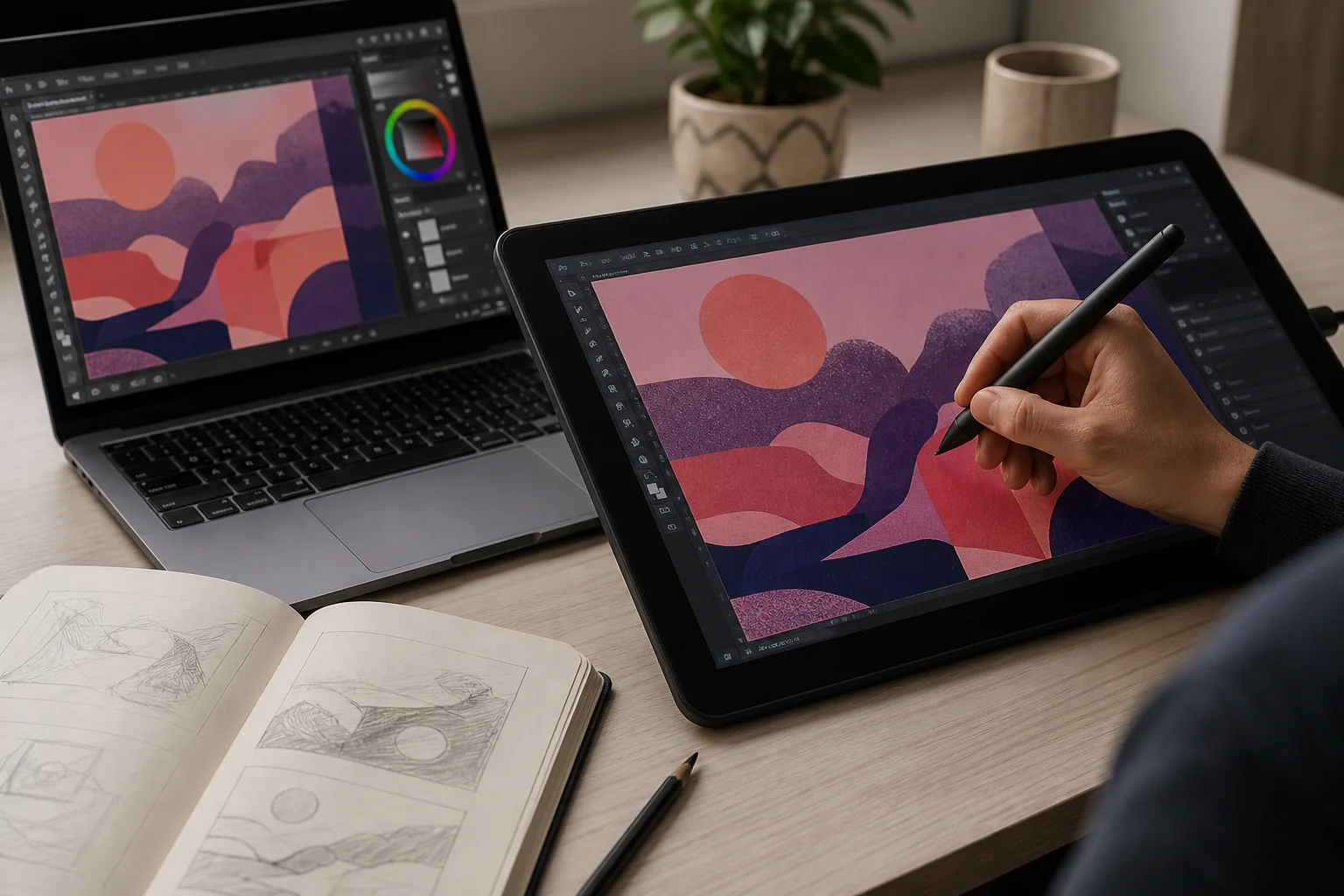
Drawing tablet
Your tablet's pen becomes a pen tablet for your desktop. Pressure and tilt come through, so you can draw, take notes, and sign documents directly in Mac and Windows apps — without buying a separate pen display.
Learn more >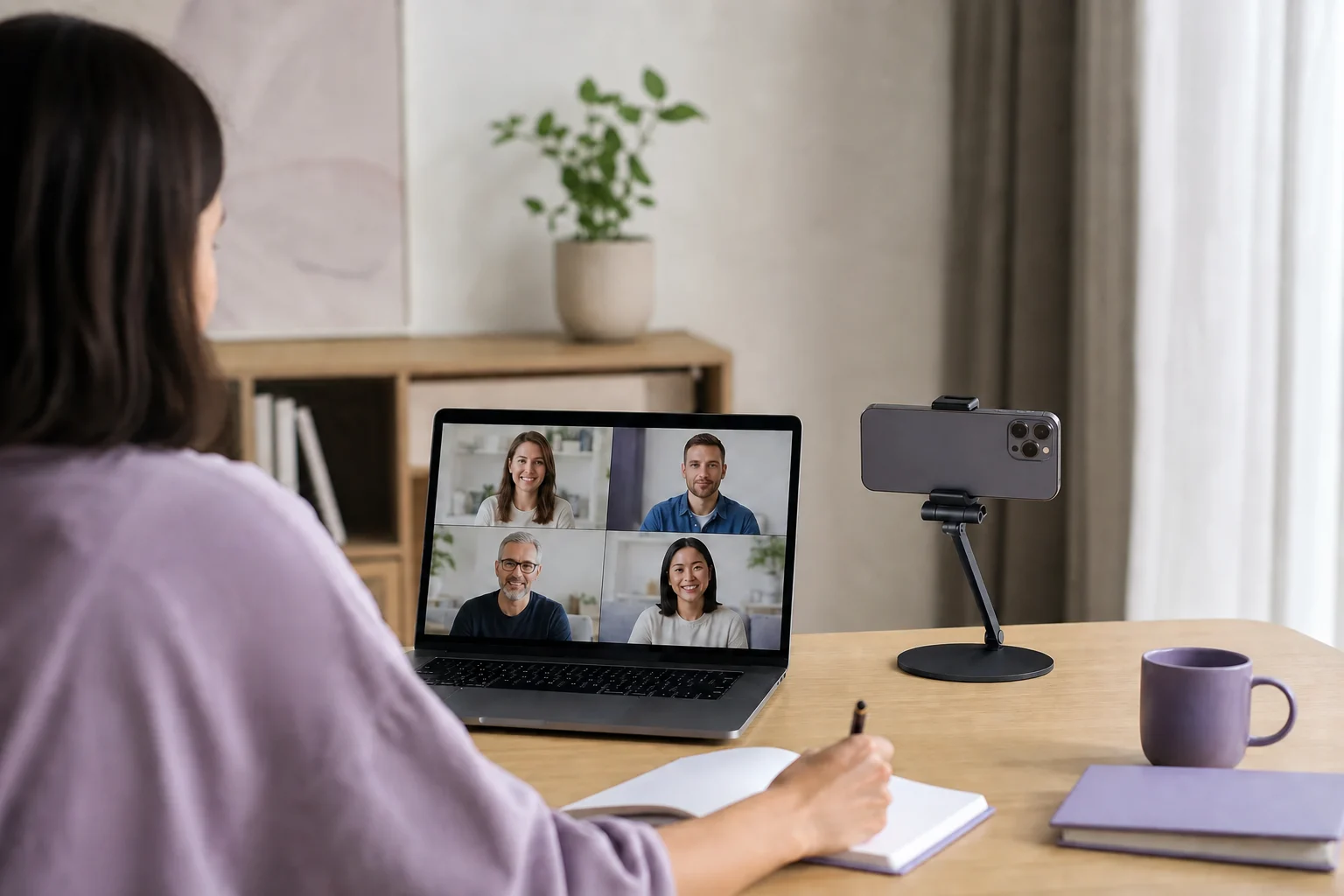
Mobile webcam
Connect the camera you already own as AnyDisplay Camera. Select it like a regular webcam in video and recording apps.
Learn more >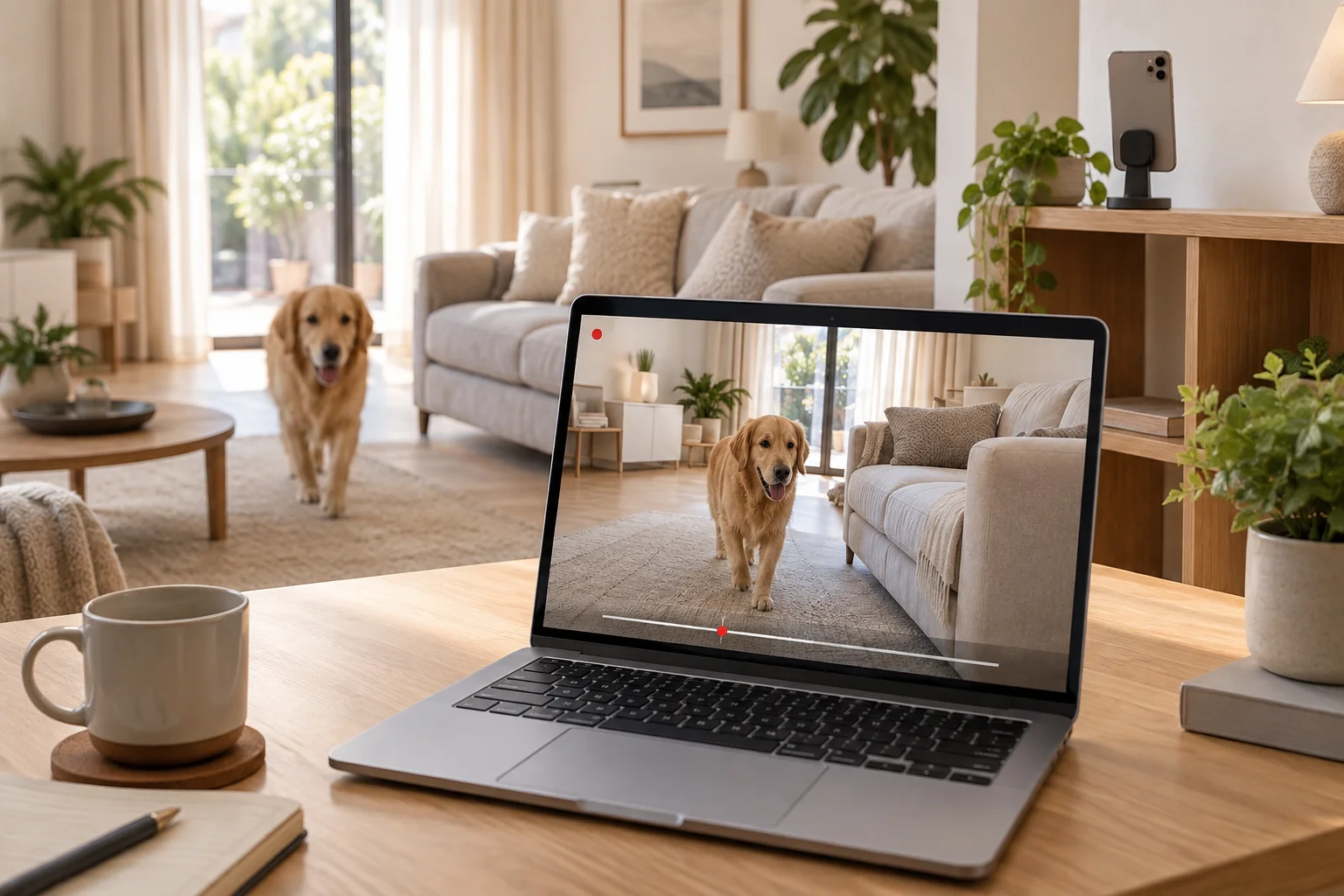
Remote camera
Keep an eye on your home or office from anywhere with a phone, tablet, or computer camera. Watch live from devices on the same account, and save what matters on your computer with continuous, scheduled, or motion-triggered recording.
Learn more >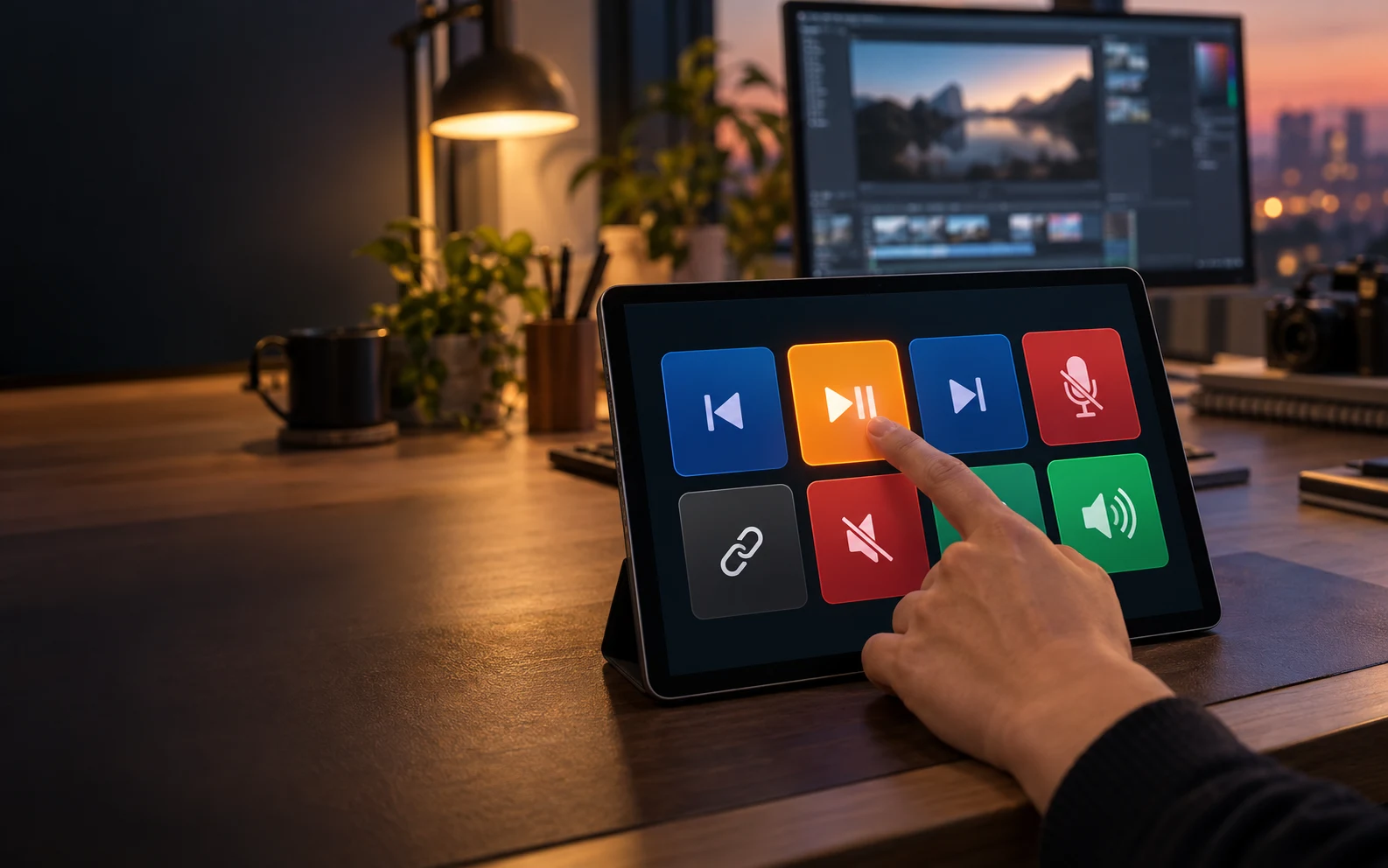
Control Pad
Turn your tablet into a dedicated pad for media, microphone, audio, and web shortcuts. Create profiles in the desktop app and keep the actions you need together.
Learn more >Touchscreen
Touch the screen directly or use trackpad mode. Tap, drag, scroll, and pinch to zoom with familiar gestures.
Learn more >Audio output
Play system audio from your Mac or Windows PC on the connected iPad or Android tablet.
Learn more >Real Performance
Unedited footage captured directly from screen. What you see is the actual latency.
How It Works
Run Any Display on your Mac or Windows PC, and a virtual display is created automatically.
Wi-Fi auto-discovery or USB cable. One tap to connect.
The extended display appears on your tablet. Use touch to interact and start working right away.
Pricing
Use your plan
with no time limit.
Your tablet or phone as a second display
No renewals. Pay once.
Two computers and your mobile, together
No renewals. Pay once.
Connect from anywhere, extend your input
No renewals. Pay once.
Get Started
Start with a 3-day free trial in the app.
Server
Release notesTablet Client
FAQ
The download is free, and the app gives you a 3-day free trial of every Premium feature with no payment details. To keep using it, buy Basic, Pro, or Premium as Yearly (renews automatically each year) or Lifetime (pay once, use it for life).
Server: macOS 12.3 or later, Windows 10/11 (64-bit). Client: iOS/iPadOS 16 or later, Android tablets running Android 9 or later. Huawei tablets on HarmonyOS 4.x or earlier work with the China APK from the download page; HarmonyOS NEXT (5.0+) is not supported. These are minimum requirements; compatibility with newly released OS versions may not be guaranteed immediately. Check the latest support information before upgrading.
On the same Wi-Fi network, the app automatically discovers the server. You can also connect directly via USB cable for even lower latency. No additional hardware needed.
No. It operates on the local network (LAN), so it works without internet. Connect to the same Wi-Fi, or use a USB cable — USB works without any network at all.
Wi-Fi: sub-16ms latency on LAN. USB: sub-5ms latency. We recommend using a 5GHz Wi-Fi band for best wireless performance. USB provides the most stable and lowest latency experience.