Documents, chat, and reference
Use Extend mode for notes, documentation, email, or chat while keeping the main task on the computer display.
Install Any Display on your Mac or Windows PC, open the companion app on an iPad or Android tablet, and select the computer. Use the same Wi-Fi network for a wireless connection or USB when you want a more stable, lower-latency link. After connecting, choose Extend for a separate workspace or Mirror to duplicate the main display.
Built-in options such as Samsung Second Screen and Apple Sidecar can be convenient, but they support specific device and operating-system combinations. Any Display is a cross-platform option with Windows and Mac servers plus iPad and Android clients. The 1-day free trial unlocks every feature, so you can test the connection before deciding which lifetime license fits your setup.
Download Any Display for Windows or Mac. The desktop app creates and manages the virtual display and waits for the tablet connection.
Get Any Display from the App Store on iPad or Google Play on Android. Start with the 1-day free trial on the tablet you already own.
For wireless use, keep the computer and tablet on the same network. Switch to a direct USB connection when the network is unreliable or you want the most responsive setup.
Extend gives the tablet its own desktop space; Mirror shows the same content as the main screen. Adjust position and scaling in the operating system's display settings.
Touch input controls the computer. If you use an Apple Pencil or S Pen, enable Pen Input on the desktop and check the live capability badges for pressure, tilt, and hover.
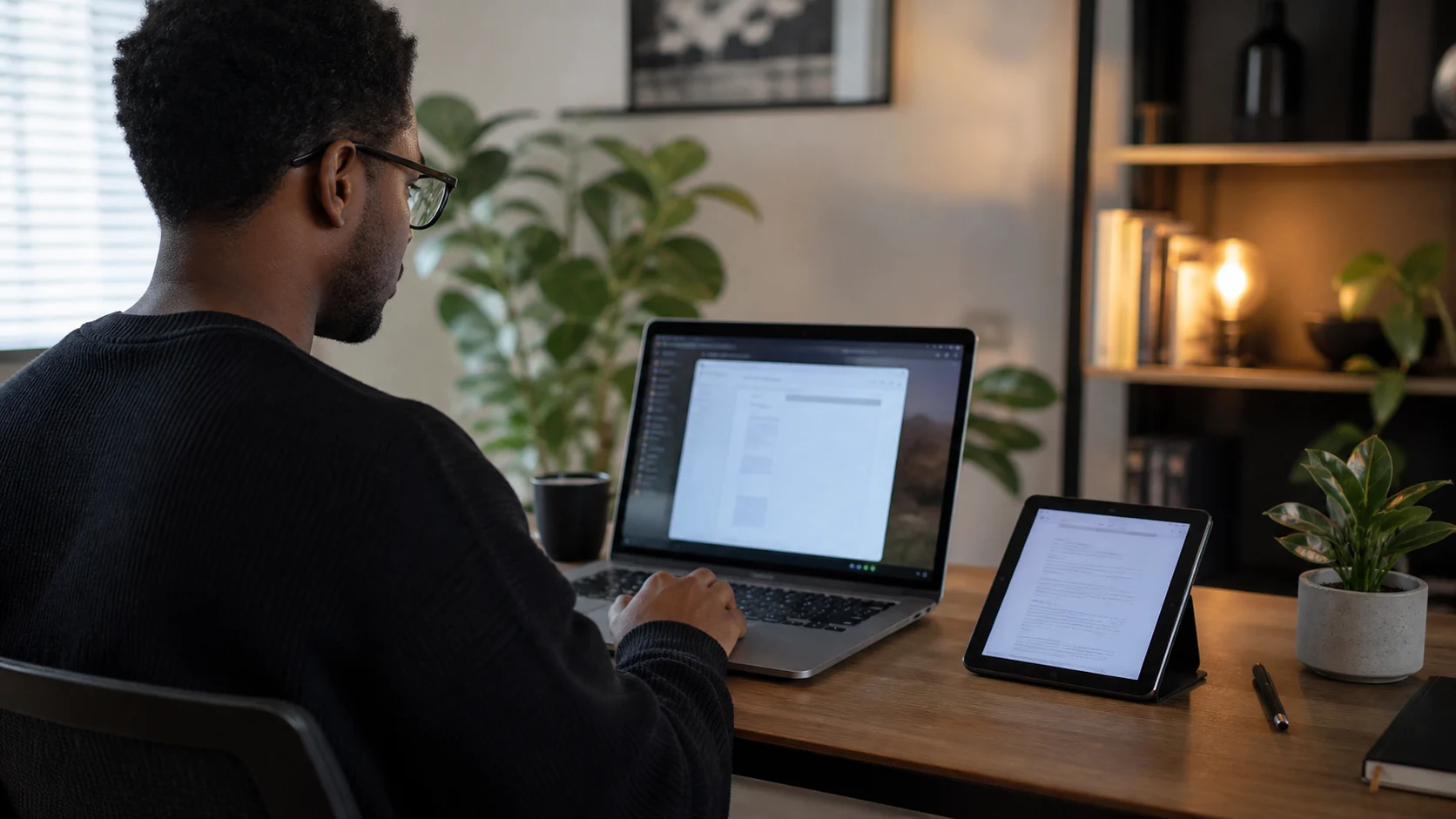
A tablet display is most useful when it matches the work you want to move off the main screen. Test the exact computer, tablet, cable, and network before replacing dedicated monitor hardware.
Use Extend mode for notes, documentation, email, or chat while keeping the main task on the computer display.
Reuse an iPad or Android tablet you already carry instead of packing a separate portable monitor. USB is the more predictable option on congested or restricted Wi-Fi.
Mirror a canvas or control panel when direct touch matters. Supported Apple Pencil and S Pen combinations can also forward pressure and tilt through Pen Input.
A spare tablet can be practical if it still runs iPadOS 16 or a current Android version supported by the app. The 1-day free trial is the compatibility test, not the device age alone.
Reviewed on August 29, 2026 against Any Display's current support scope and setup flow, plus Apple and Samsung's official second-display guidance. Latency and maximum resolution vary by computer, tablet, and network.