Duet Display Alternative for Mac and Windows: Try Free for 3 Days
Duet Display's official site lists wired and wireless second-display support across iOS, Android, Mac, and Windows. Any Display connects iPad and Android tablets to Mac and Windows computers over Wi-Fi or USB, with a 3-day free trial followed by a one-time Basic, Pro, or Premium lifetime license, so compare the features and connection options you need.
Duet Display is a solid way to use an iPad or Android tablet as a second screen for your Mac or Windows PC. Any Display does the same job: try every Premium feature free for 3 days, then buy a Basic, Pro, or Premium license once and keep it for life. It supports both iPad and Android, connects wirelessly over the same Wi-Fi, or via direct USB when you want the lowest latency. No extra hardware required.
Duet Display Alternative for Mac and Windows: Try Free for 3 Days
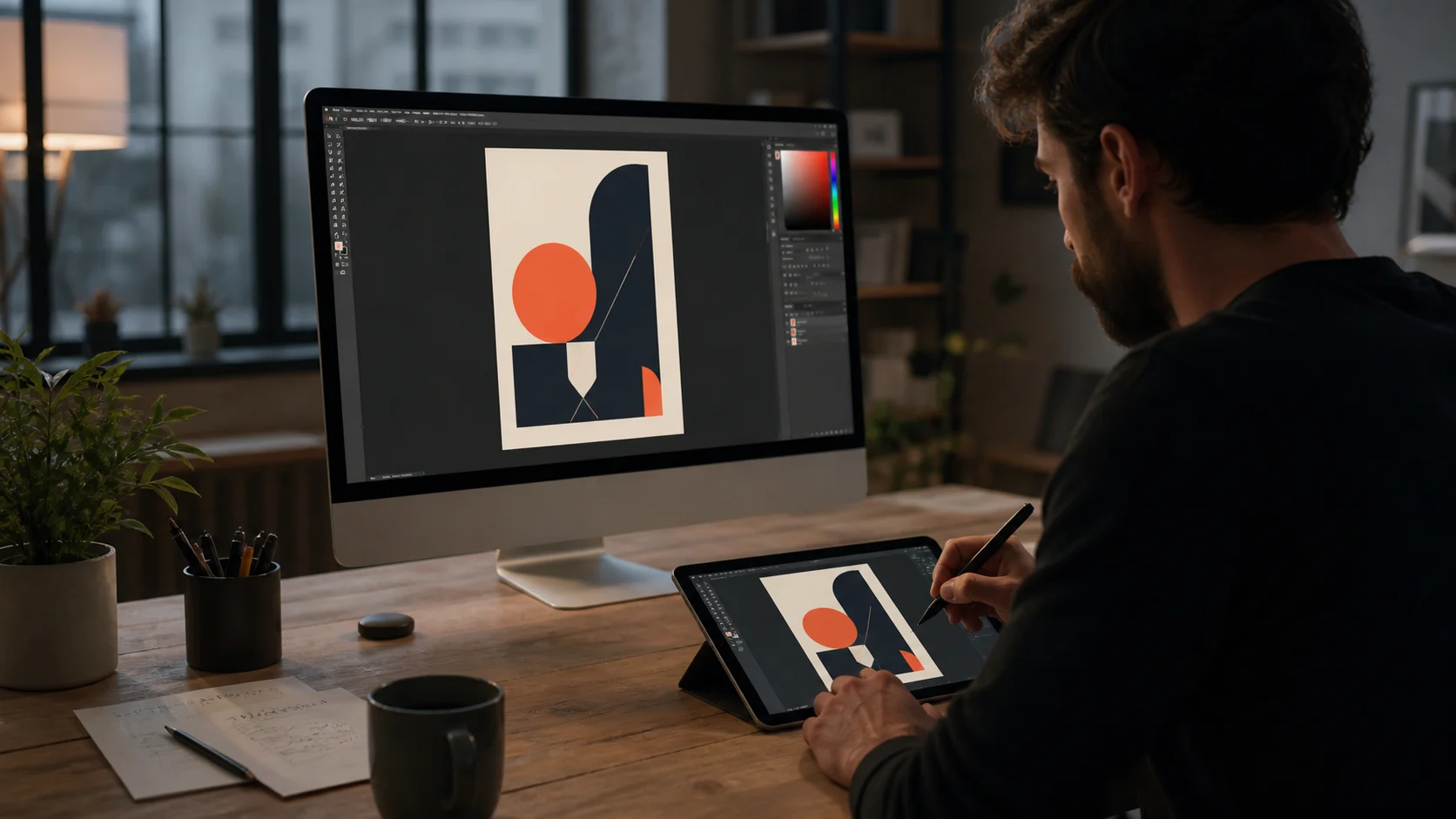
Here's a side-by-side look at how Any Display and Duet Display compare. Both let you use a tablet as a second screen without extra gear, so focus on supported devices and connection options.
| Feature | Any Display | Duet Display |
|---|---|---|
| Android support | Yes | Yes |
| Wi-Fi + USB connection | Both wireless Wi-Fi and direct USB | Both wireless Wi-Fi and direct USB |
| Supported platforms | Server: Mac, Windows / Client: iPad, Android | iOS, Android, Mac, Windows |
| Extra hardware | Not needed | Not needed |
- How much does Any Display cost?
- Every install includes a 3-day free trial of all Premium features with no payment details. To keep using it, pay once in the Any Display app on your computer for a Basic, Pro, or Premium lifetime license; your tablet needs no separate purchase.
- Is the latency as low as Duet Display?
- Any Display uses low-latency WebRTC H.264 streaming. It's smooth even over Wi-Fi, but for the lowest possible latency we recommend connecting directly over USB.
- Can I use an Android tablet as a second screen?
- Yes. In addition to iPad, Android tablets can act as a second screen for your Mac or Windows PC, with screen extend, mirroring, and touch input all supported.
- Do I have to connect over USB?
- No. If your computer and tablet are on the same Wi-Fi network, they connect wirelessly with no cable. USB is an option for when you want lower latency or a more stable connection.
- What should I do if it won't connect?
- First make sure your computer and tablet are on the same Wi-Fi network. If it still won't connect, try a direct USB connection or check that the app is allowed through your firewall — that resolves most cases.
- Which operating systems are supported?
- The server runs on macOS (Apple Silicon and Intel) and Windows, and the client supports iPad (iPadOS) and Android tablets.
Review basis
Reviewed Duet Display's official device support, wired and wireless display features, and seven-day trial on August 24, 2026.
Limitations to know
- This is not a controlled performance benchmark across every operating system and device.
Official sources
- Duet Display official plans and supported devices (2026-08-24)