Tablet vs Portable Monitor: Which One Fits Your Setup?
If you already own an iPad or Android tablet and need a second screen for documents, chat, or tool panels, try the tablet first. Buy a portable monitor when you need HDMI input, calibrated display specifications, or a screen that works without installing software on the computer.
Both options add screen space, but they solve the connection differently. A tablet reuses a device with touch, pen, and wireless networking; a portable monitor favors standard video inputs and predictable plug-and-play behavior.
Key points
- Reusing a tablet can avoid a separate display purchase
- Touch, pen input, and wireless use favor the tablet
- HDMI, documented color specifications, and universal cabling favor a monitor
Tablet vs Portable Monitor: Which One Fits Your Setup?
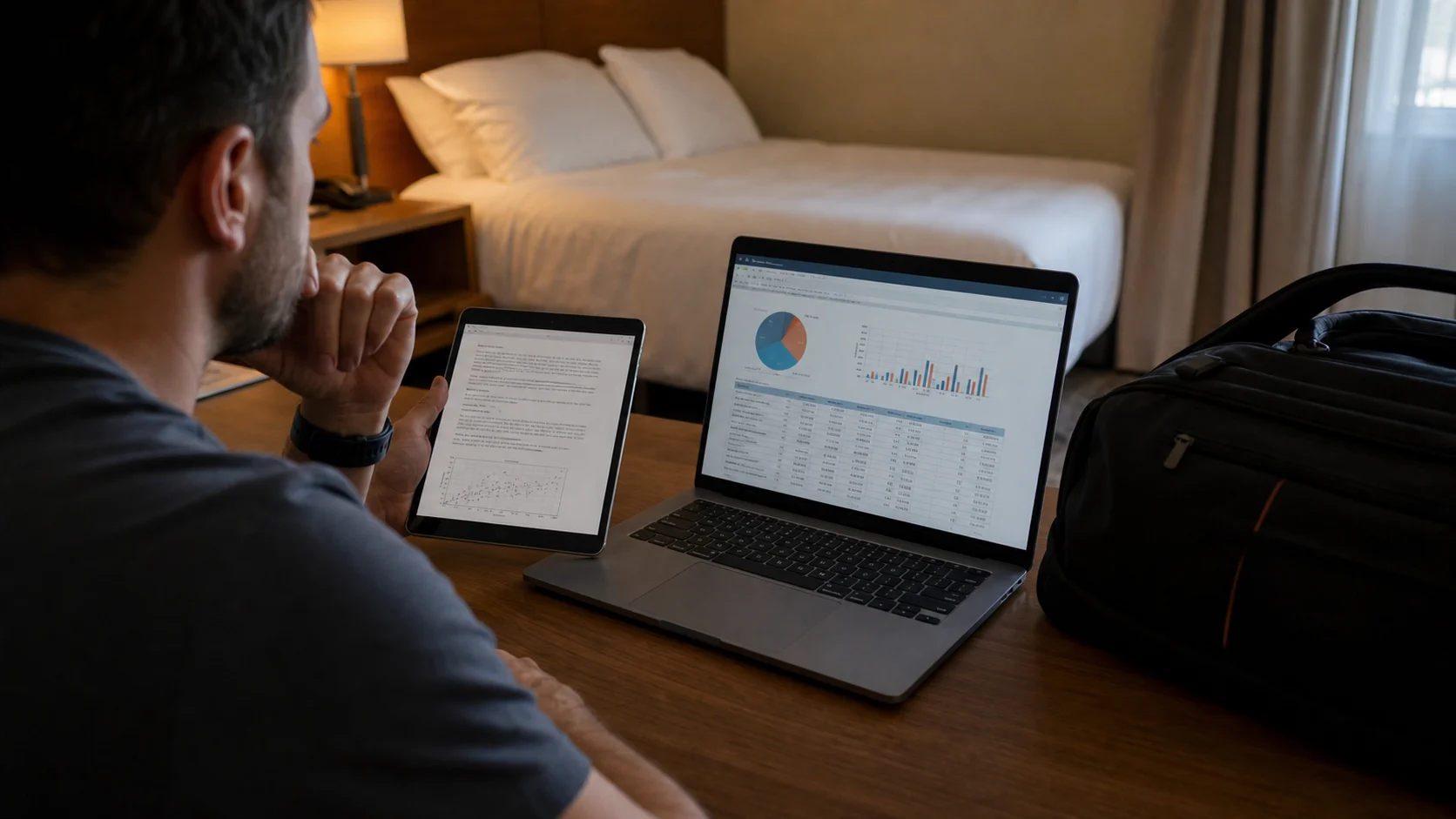
Neither option wins every category. The right choice depends on what you already own and what must connect to the screen.
| Feature | Any Display | Portable monitor |
|---|---|---|
| Up-front cost | Free to test with an existing tablet | Requires a monitor purchase |
| Windows and Mac | App over Wi-Fi or USB | Cable to a supported video output |
| Touch and pen | Available on supported tablets | Only on selected touch models |
| HDMI devices | Not supported | Supported by models with HDMI input |
| Travel load | Reuses the tablet you carry | Adds a display and cables |
| Color accuracy | Depends on tablet and stream | Model specifications and calibration can be evaluated |
- Which is better for travel with a laptop?
- If the tablet is already in your bag, Any Display reduces extra gear. A portable monitor is safer when you cannot install software on the computer or need a cable-only setup.
- Can I connect a game console to the tablet?
- Any Display streams a Mac or Windows desktop app; it does not accept a console's HDMI output. Choose a monitor with the required input for that use.
- Can I compare before buying hardware?
- Yes. Test image quality, responsiveness, and connection reliability with the 1-day free trial of Any Display on your current tablet before deciding.
Review basis
Based on category-level differences and Any Display's current feature set. Check each monitor manufacturer's specification for brightness, color gamut, inputs, and touch support.
Limitations to know
- The tablet method requires software on the computer.
- Perceived latency varies with network and encoding performance.
- Touch support varies between portable-monitor models.