Use a Galaxy Tab S11 Ultra as a Vertical Monitor for Development
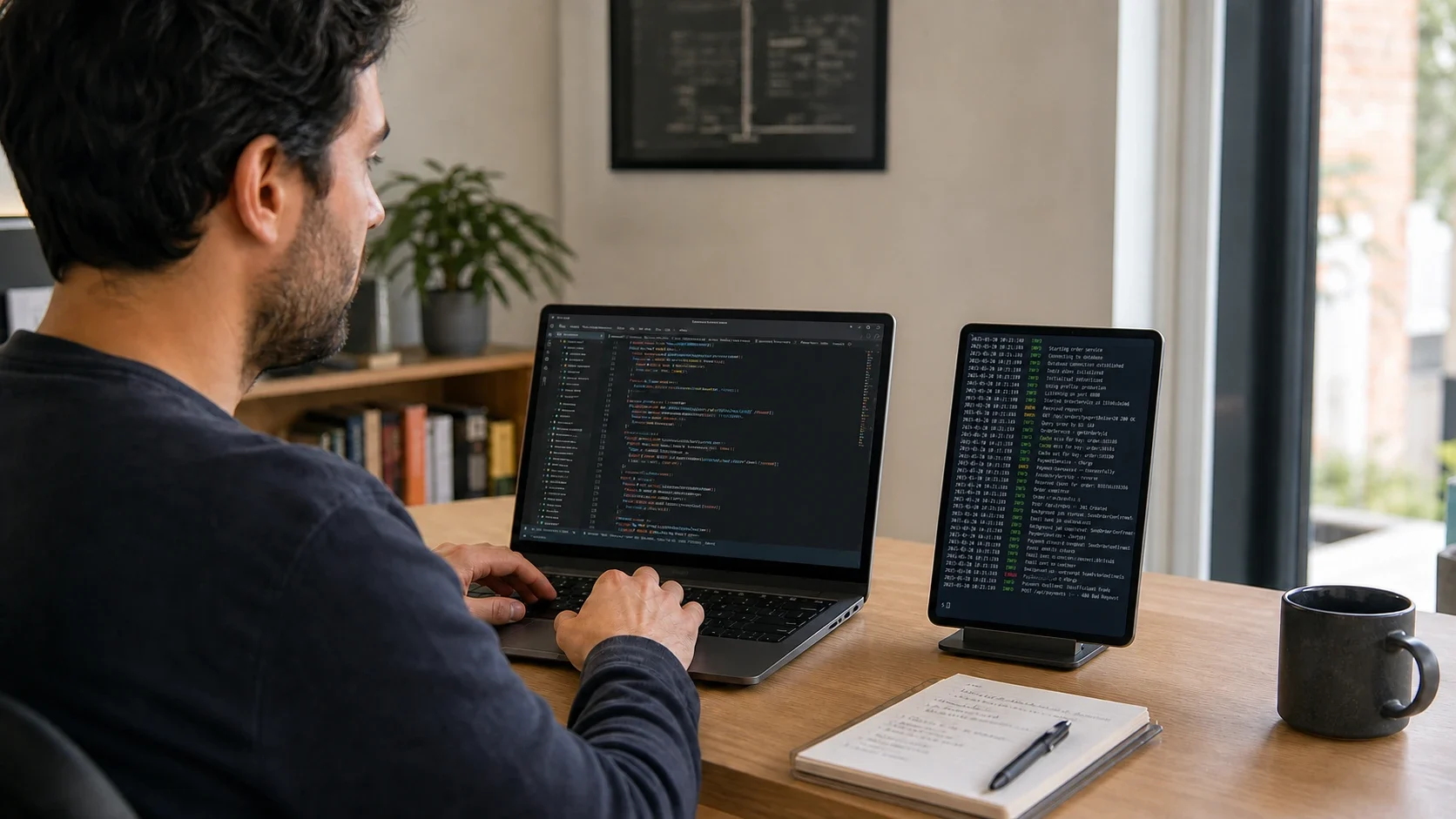
Enable Extend and Auto Rotate in Any Display and the 14.6-inch Galaxy Tab S11 Ultra follows its portrait orientation as an extended display. Move terminals, server logs, and test output off the laptop while keeping code on the main screen.
Samsung lists the Galaxy Tab S11 Ultra with a 14.6-inch 2960×1848 display. Landscape works well for video and wide tools, but portrait orientation shows more lines when you monitor logs. Auto Rotate updates the extended display when the tablet turns, without reopening the operating system's display settings.
Key points
- A 14.6-inch display in a physically accurate 326.3×208.5 mm body
- The extended display follows the tablet's landscape or portrait orientation
- Keep code on the laptop and move the terminal or logs to the vertical tablet
- 1
1. Connect the Galaxy Tab
Put the Mac or Windows PC and Galaxy Tab on the same Wi-Fi, then select the computer in Any Display. USB Direct is also available for a congested network.
- 2
2. Select Extend and Auto Rotate
In the desktop app's Display & Audio tab, select Extend and turn on Auto Rotate. The option applies tablet orientation to the virtual extended display.
- 3
3. Place the S11 Ultra in portrait
Use a stable stand and turn the tablet upright. The orientation update changes the extended display to a portrait layout.
- 4
4. Move the terminal and logs
Drag a terminal, Docker logs, test runner, or monitoring window onto the tall display. Leave the editor on the laptop to reduce context switching.
Use a Galaxy Tab S11 Ultra as a Vertical Monitor for Development
- Does the display turn vertical automatically?
- Yes. With Extend and Auto Rotate enabled, Any Display updates the virtual display to follow the connected tablet's orientation.
- Is Wi-Fi enough for terminal logs?
- Usually. Terminal and log monitoring are light workloads. Use USB Direct if a crowded network causes visible interruptions.
- Is this exclusive to the S11 Ultra?
- No. It works with current Any Display tablet clients that report orientation. The S11 Ultra is highlighted because its large 14.6-inch panel suits a tall log view.
Review basis
Verified Samsung's official 14.6-inch, 2960×1848, 326.3×208.5×5.1 mm specifications and the current Any Display Auto Rotate implementation on August 27, 2026.
Limitations to know
- Auto Rotate changes the extended display orientation; it does not rotate an individual application window.
- Text size and visible log lines depend on operating-system scaling and terminal settings.
- The lifestyle image is generated to illustrate the workflow, not presented as an unedited product photograph.