Android Tablet as a Windows 11 Second Monitor
After connecting, open System > Display in Windows 11 to arrange position and scaling.
Test the exact computer and tablet combination with the 3-day free trial first.
Key points
- Use the same Wi-Fi or connect the devices directly by USB.
- Select the computer on the tablet, then choose Extend or Mirror.
- Arrange position and scaling in the operating system display settings.
- 1
1. Install Any Display on the computer and tablet
Install Any Display on the computer and tablet.
- 2
2. Use the same Wi-Fi or connect the devices directly by USB
Use the same Wi-Fi or connect the devices directly by USB.
- 3
3. Select the computer on the tablet, then choose Extend or Mirror
Select the computer on the tablet, then choose Extend or Mirror.
- 4
4. Arrange position and scaling in the operating system display settings
Arrange position and scaling in the operating system display settings.
Android Tablet as a Windows 11 Second Monitor
- Can I use both iPad and Android?
- Yes. A Windows or Mac computer can connect to an iPad or Android tablet.
Review basis
Verified the current Any Display Windows, macOS, iPad, Android, Wi-Fi, and USB flows on August 27, 2026.
Limitations to know
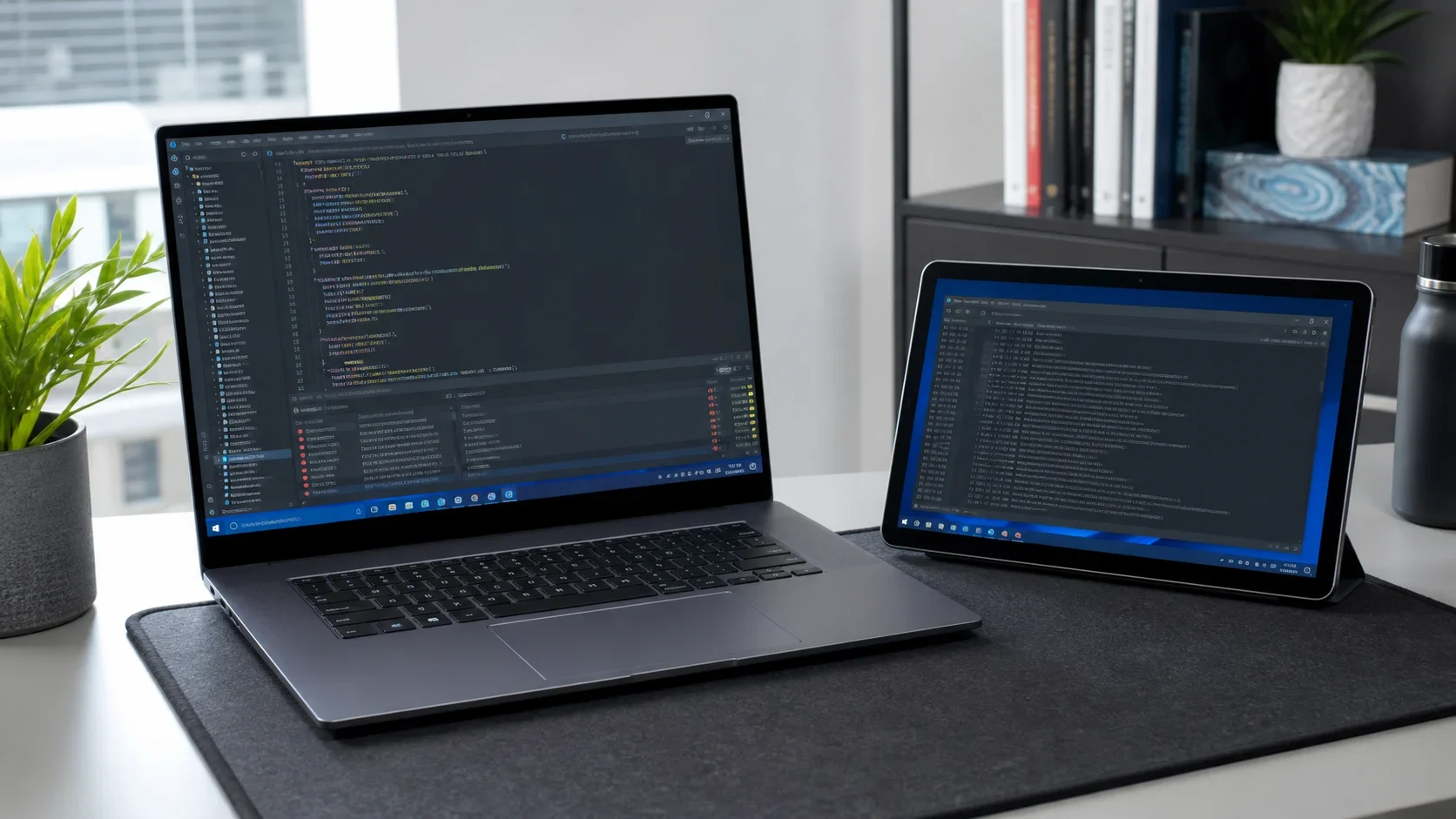
- The generated image illustrates the workflow and is not presented as product-UI evidence.