Try the Tablet You Own Before Buying an XP-Pen Artist
If you own an Apple Pencil or S Pen tablet, Any Display lets you test streamed computer display and pen input in your actual drawing apps first. Choose an XP-Pen Artist when a dedicated pen surface, built-in controls, and published display specifications are essential.
This is a decision guide, not a claim that one option is always superior. It compares reusing existing hardware with buying a purpose-built pen display.
Key points
- Test an existing tablet without another hardware purchase
- Any Display Pen Input uses Windows Ink
- Dedicated surfaces, controls, and model-specific display specifications favor XP-Pen
Try the Tablet You Own Before Buying an XP-Pen Artist
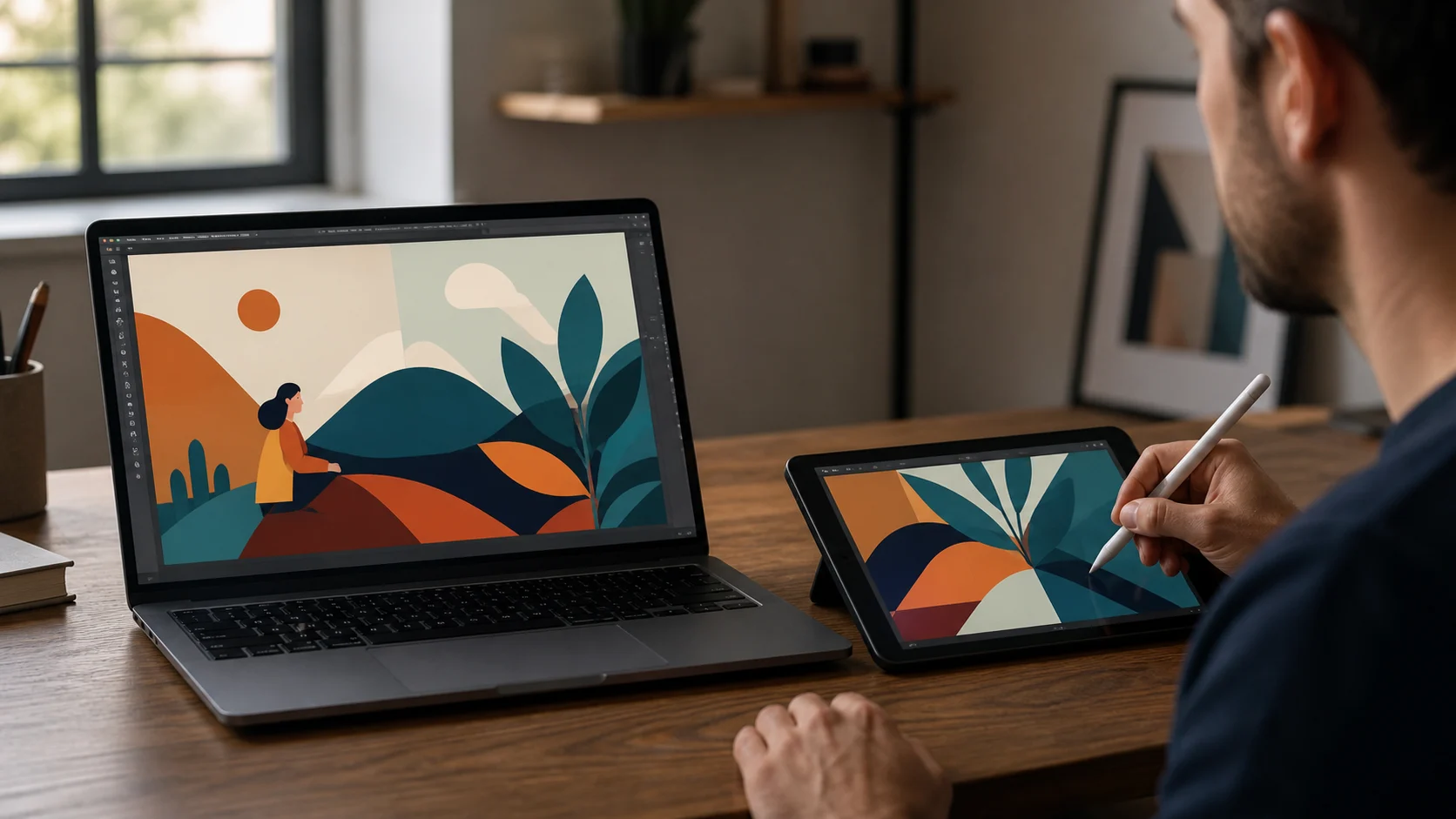
Compare existing-device reuse with purpose-built drawing hardware.
| Feature | Any Display | XP-Pen Artist |
|---|---|---|
| Additional cost | Free test with an existing tablet | Dedicated hardware purchase |
| Pen input | Supported pressure and tilt through Windows Ink | Model-specific pen and driver |
| Controls and surface | Tablet and app interface | Model-specific controls and dedicated surface |
| General second screen | Extended display plus pen mode | Drawing-display-focused hardware |
- Who should try Any Display first?
- People who already own a pen-capable iPad or Galaxy Tab and want to test handwriting, rough work, or retouching.
- Who should choose an XP-Pen Artist?
- People who need a dedicated pen surface, physical controls, and a consistent long-session setup.
Review basis
Reviewed Any Display features and the official XPPen Artist series page on August 8, 2026. Models, prices, and bundles vary by market and date.
Limitations to know
- This is not a hands-on test of every Artist model.
- Any Display does not provide direct WinTab input.
- Latency and color depend on the tablet and connection.
Official sources
- XPPen — Artist drawing display series (2026-08-08)