Try Your Existing Tablet Before Buying a Huion Kamvas
If you already own a pen-capable iPad or Galaxy Tab, Any Display can test your real computer drawing workflow first. A Huion Kamvas may suit you better when you need a dedicated pen surface, model-specific display specifications, physical controls, and a fixed long-session setup.
This guide compares reusing an existing tablet with purchasing a purpose-built pen display.
Key points
- Test existing hardware without another purchase
- Any Display Pen Input is based on Windows Ink
- Check each Kamvas model for dedicated production features
Try Your Existing Tablet Before Buying a Huion Kamvas
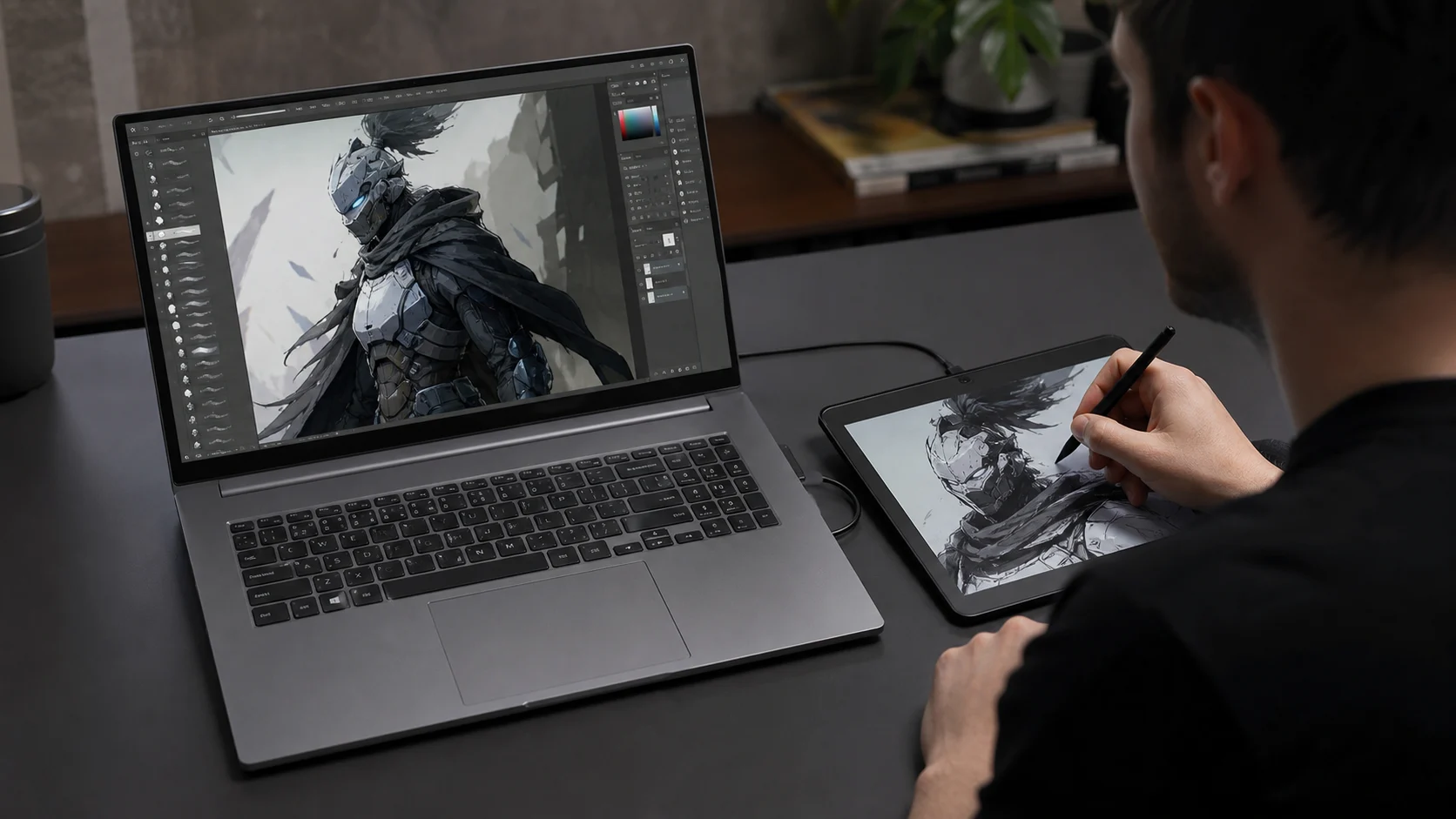
Compare existing-device reuse with dedicated hardware.
| Feature | Any Display | Huion Kamvas |
|---|---|---|
| Additional cost | Free test with an existing tablet | Dedicated hardware purchase |
| Pen input | Supported device input through Windows Ink | Model-specific pen and driver |
| Color and surface | Depends on the tablet | Published model specifications and dedicated surface |
| Second-screen use | General extended display plus pen mode | Drawing-display-focused hardware |
- Is this exactly equivalent to a Kamvas?
- No. It is a way to test what your existing tablet can cover; dedicated surfaces and model-specific hardware remain different.
- When is a Kamvas a better fit?
- For long professional sessions, physical controls, specific driver workflows, and published display characteristics.
Review basis
Reviewed Any Display features and Huion's official pen-display range on August 8, 2026.
Limitations to know
- This is not a hands-on review of every Kamvas model.
- Prices and specifications vary by model, market, and date.
- Any Display does not provide direct WinTab input.
Official sources
- Huion — Kamvas pen display range (2026-08-08)