Draw in Mac Photoshop from a Galaxy Tab with S Pen
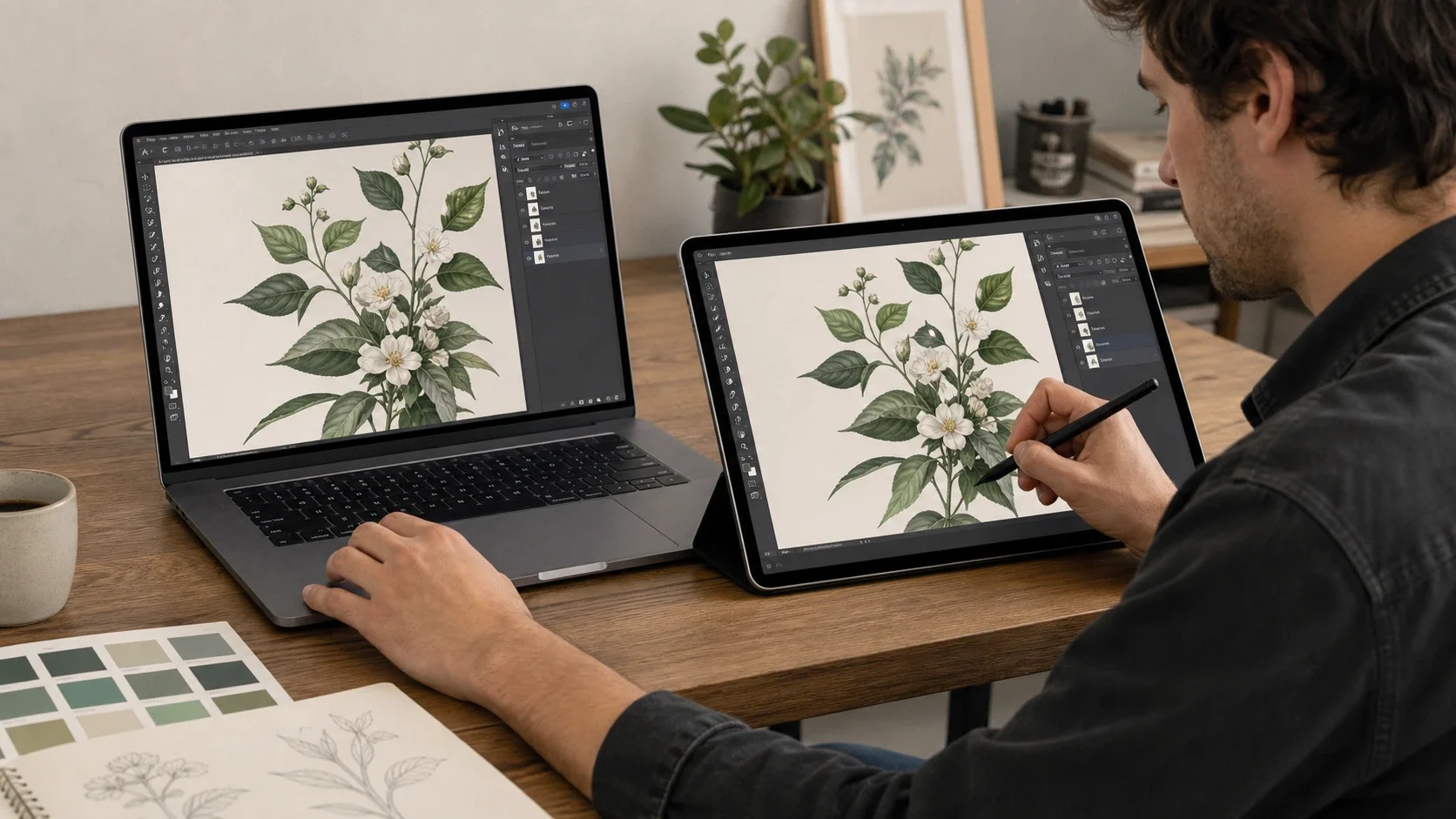
With Any Display Premium, mirror only the Photoshop window to a Galaxy Tab and enable Pen Input. S Pen coordinates, pressure, and tilt return to the Mac while the tablet stays focused on the selected creative window.
Full-screen mirroring includes the menu bar and every visible window. Individual-window mirroring sends only Photoshop, giving the tablet more room for the canvas. When the S Pen is near the screen, finger touch and gestures pause to reduce accidental palm input.
Key points
- Mirror only the Photoshop window to the Galaxy Tab
- Forward supported S Pen pressure, tilt, and hover
- Pause finger gestures while the pen is near the screen
- 1
1. Connect the MacBook and Galaxy Tab
Connect both apps over the same Wi-Fi. For a long drawing session where stroke response matters, compare USB Direct as well.
- 2
2. Select the Photoshop window in Mirror
Choose Mirror in Display & Audio, open Mirror Source, switch to Windows, and select the Photoshop window. Individual-window mirroring is a Premium feature.
- 3
3. Enable Pen Input in the Input tab
Open Input and enable Pen Input. Check the Pressure, Tilt, and Hover capability badges reported by the connected S Pen setup, then adjust pressure sensitivity from 1 to 10.
- 4
4. Draw on the Galaxy Tab
Draw directly over the mirrored Photoshop canvas. macOS does not need the Windows Ink setting required by some Windows drawing applications.
Draw in Mac Photoshop from a Galaxy Tab with S Pen
- Can I send only the Photoshop window?
- Yes. In Mirror Source, choose Windows and select Photoshop instead of sharing the entire desktop.
- Do S Pen pressure and tilt reach Photoshop?
- Supported devices can forward pressure, tilt, and hover. Confirm the live capability badges in the Input tab for your exact tablet and pen.
- Does Photoshop on Mac need Windows Ink?
- No. Windows Ink applies to Windows drawing-app input. There is no equivalent setting to enable for the macOS path.
Review basis
On August 27, 2026, we verified the English Input tab, Pen Input, and Pressure, Tilt, and Hover badges with a real Samsung SM-X930 connection, then reviewed the macOS window-capture and input-coordinate paths in source.
Limitations to know
- Individual-window mirroring and Pen Input require Premium.
- The generated lifestyle image illustrates the workflow.
- Compare a dedicated pen display when calibrated color, a purpose-built surface, or physical shortcut controls are essential.
Official sources
- Apple — ScreenCaptureKit window capture (2026-08-27)