A SuperDisplay Alternative That Also Supports Mac and iPad
SuperDisplay officially focuses on turning an Android device into a portable USB display for a Windows 10 PC. Compare Any Display when you also need a Mac server or iPad client, with Windows and Mac servers plus iPad and Android clients.
The apps overlap, but their supported combinations and primary use cases differ.
Key points
- SuperDisplay: Windows 10 and Android focus
- Any Display: Windows or Mac with iPad or Android
- Test your actual hardware before choosing
A SuperDisplay Alternative That Also Supports Mac and iPad
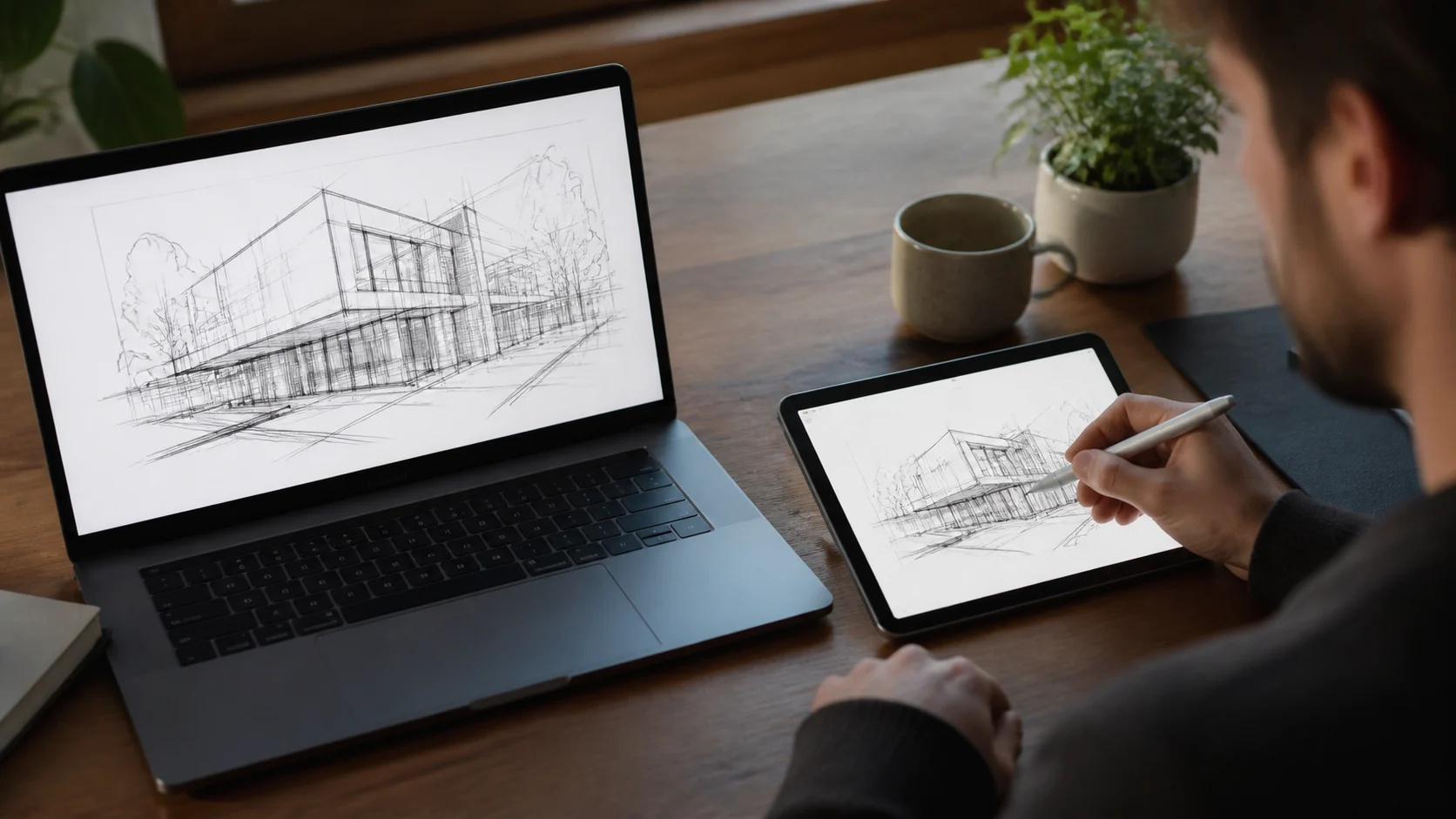
Compare platform combinations and intended use.
| Feature | Any Display | SuperDisplay |
|---|---|---|
| Computer | Windows or Mac | Windows 10 PC |
| Tablet | iPad or Android | Android |
| Connection | Wi-Fi or USB | Officially described as portable USB display |
| Trial | 1-day free trial, all features | Three-day free trial |
- When should a SuperDisplay user compare Any Display?
- When Mac or iPad support, a general second monitor, and pen input in one app matter.
Review basis
Reviewed SuperDisplay's official support description and three-day trial statement on August 8, 2026.
Limitations to know
- This is not a hands-on test of every SuperDisplay version.
- Connection and pen behavior depend on device, driver, and application.
Official sources
- SuperDisplay official website (2026-08-08)