Phone or tablet
View a phone or tablet on your computer. Set up Android USB control or iOS screen broadcasting, then choose audio, screen-off viewing and the video decoder.
- 1
Android USB setup
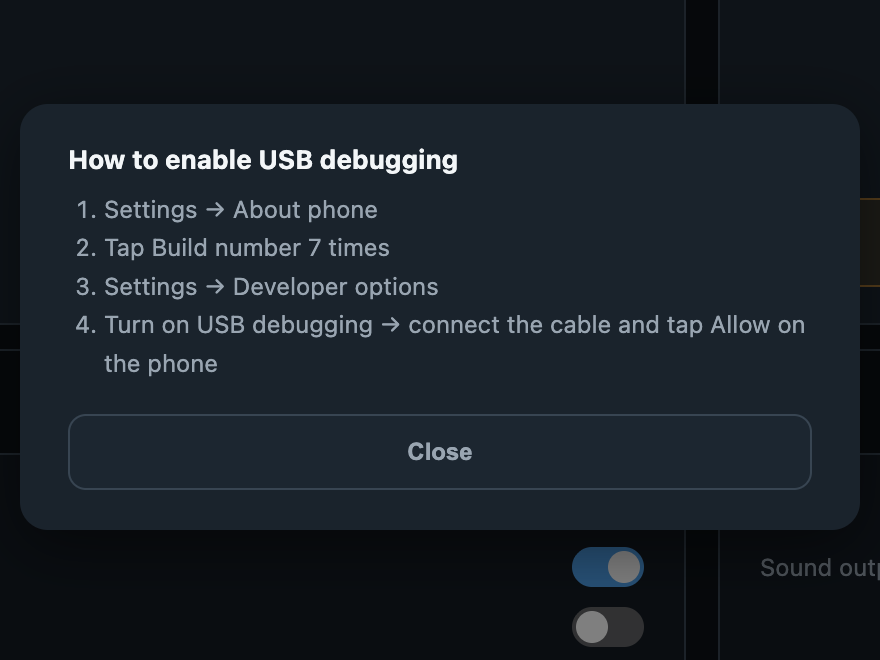
Open How to enable USB debugging. In Android Settings → About phone, tap Build number seven times, open Developer options and enable USB debugging. Connect a data cable and approve this computer on the device. Menu locations vary by manufacturer.
Android USB setup · Any Display 1.6.2 - 2
View and control Android
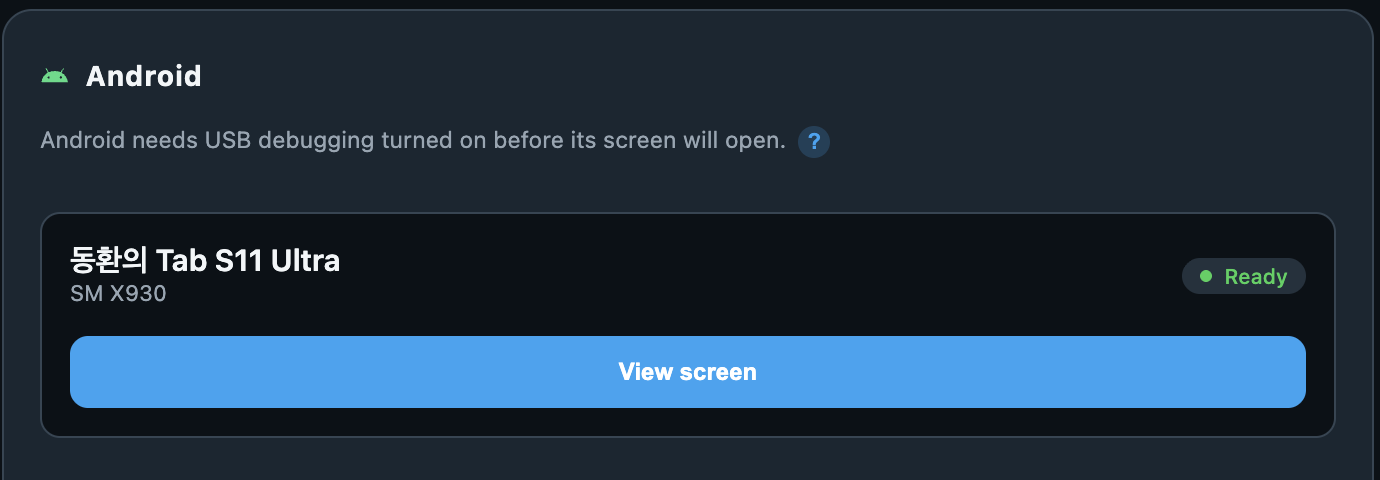
Select View screen for the ready device. Allow needed means approval is waiting on the device; Offline suggests reconnecting the cable. Operate the displayed screen with the computer’s mouse and keyboard. End an active USB display-extension session before starting phone viewing.
View and control Android · Any Display 1.6.2 - 3
Audio and screen-off viewing
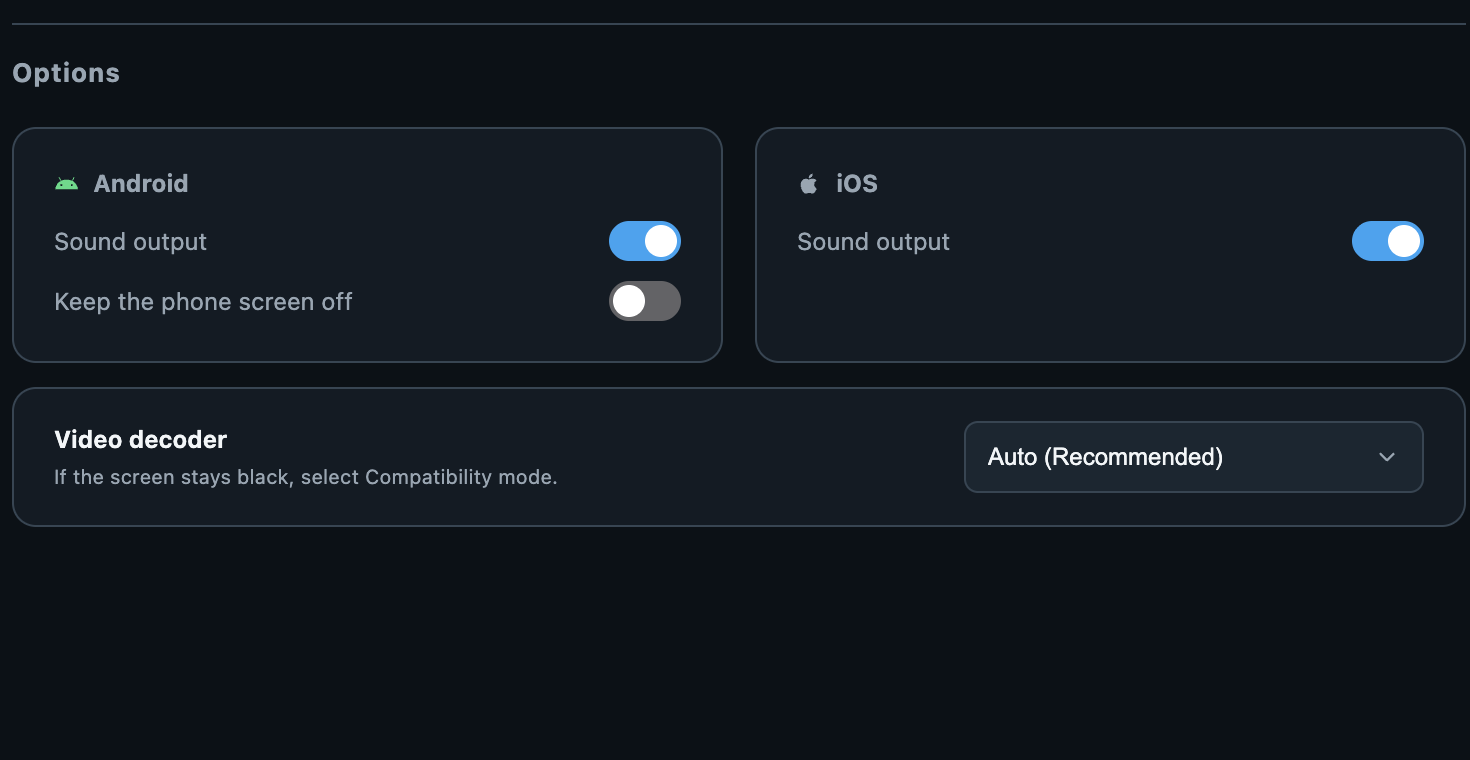
Android Sound output plays phone audio on the computer. Turning it off silences both devices rather than returning audio to the phone. Turn on Keep phone screen off to darken the physical display while continuing to view it here. This does not disconnect the stream.
Audio and screen-off viewing · Any Display 1.6.2 - 4
iOS broadcast
Keep Any Display open on the iPhone or iPad, request its screen from the computer, then tap Start Broadcast on the mobile device. A connected USB cable is used when available; otherwise use the same Wi-Fi. This broadcast route is view-only. Cancel withdraws a pending request.
- 5
iOS USB and input
When direct USB capture is offered on Mac, accept Trust This Computer on the device. Connections showing Mouse & Keyboard settings and Bluetooth status require a separate input connection. Follow the AssistiveTouch instruction on iPhone; iPad requirements differ. Do not confuse view-only broadcasting with USB capture plus Bluetooth input.
- 6
Video decoder and disconnect
Start with Auto (Recommended). Hardware uses hardware decoding; try Compatibility (Software) if the picture stays black. Software decoding may increase computer load. Verify authorization and connection before changing decoders. Use Disconnect before switching to another mobile device.