Any Display Control Pad vs Stream Deck: Is the Mobile Device You Own Enough?
The products share the goal of running shortcuts and app actions from buttons, but they emphasize different strengths. Any Display turns a connected mobile device into a Control Pad over Wi-Fi or USB. Elgato offers physical Stream Deck devices as well as Stream Deck Mobile for iOS and Android; its mobile app requires the Stream Deck desktop app and a local Wi-Fi connection. This comparison is a selection guide, not a claim that one option fits everyone.
Key points
- Reuse a mobile device with Any Display Control Pad
- Choose Stream Deck hardware when physical-key feedback and its product ecosystem are the priority
- Mobile control pads connect to a companion desktop app
- Any Display supports Wi-Fi and direct USB
Use a mobile device as a Control Pad
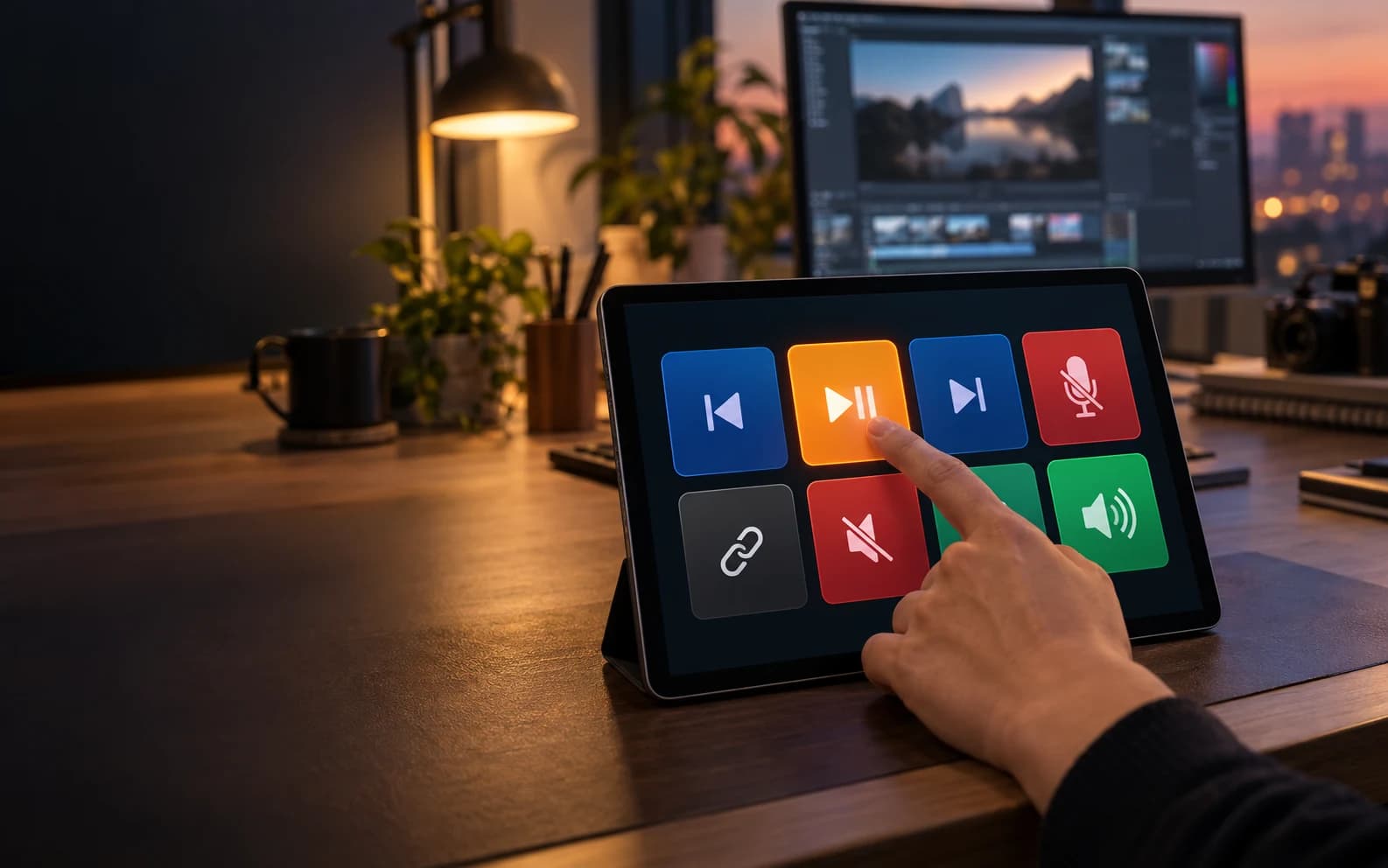
Support and plugins can vary by version, country, and operating system. Check the current product pages before buying or installing either option.
| Feature | Any Display | Elgato Stream Deck / Stream Deck Mobile |
|---|---|---|
| Control surface | The touchscreen on an iPhone, iPad, Android phone, or Android tablet you already own | Dedicated physical-key hardware or the Stream Deck Mobile app |
| Extra hardware | No additional Control Pad hardware when you already own a supported mobile device | Choose separate Stream Deck hardware when physical-key feedback matters |
| Connection | Wireless on the same Wi-Fi network or direct USB | Stream Deck Mobile uses the Stream Deck desktop app and the same local Wi-Fi network |
| Input feel | Large touch buttons on a mobile screen | Tactile physical keys on hardware models; touch controls on Mobile |
| Core actions | Shortcuts, app launches, media, microphone, audio, URLs, and multi-actions | Shortcuts, macros, app control, and Stream Deck ecosystem actions |
| Plugins | Preconfigured plugins for Chrome, Discord, Teams, PowerPoint, Spotify, VLC, VS Code, Zoom, OBS Studio, and window layouts | Elgato Marketplace and the Stream Deck plugin ecosystem |
| Profiles | Work-specific pages and profiles that can switch when a linked app comes to the foreground | Profiles and app integrations in Stream Deck software |
- Can I use a phone or tablet instead of buying a Stream Deck device?
- Yes. Any Display Control Pad lets you assign quick-action keys for shortcuts, app launching, and media control to an iPhone, iPad, Android phone, or tablet you already own. Dedicated hardware can still be the better choice when physical-key feedback matters.
- Do both options work wirelessly?
- Any Display works on the same Wi-Fi network and also supports direct USB. Elgato’s official Stream Deck Mobile requirements specify a local Wi-Fi connection to the same router as the computer.
- How do the plugins differ?
- Any Display offers a practical set of ten preconfigured plugins. Elgato has its own Marketplace ecosystem. Check each product before installation for the current plugin scope and compatibility.
Review basis
Reviewed September 18, 2026 against published Any Display 1.6.0 Control Pad features and plugin catalog plus Elgato’s official Stream Deck Mobile requirements and Pro documentation.
Limitations to know
- Stream Deck and Stream Deck Mobile are Elgato products and trademarks. Any Display is independently implemented; it is not affiliated with Elgato and does not claim every proprietary feature.
- This page does not claim a direct count or quality comparison with Stream Deck plugins.
- Wireless performance depends on router, distance, network isolation settings, and computer and mobile-device performance.
Official sources
- Elgato Stream Deck Mobile system requirements (2026-09-18)
- Elgato Stream Deck Mobile Pro (2026-09-18)